Ask us on the help form and we’ll reply by email.
Your free trial and subscription
How the 90-day free trial works, how to subscribe and manage billing on the web, what happens if a payment fails, and what read-only means when a trial or subscription ends.
Applies to: Owners, Admins, on the web and the phone app. Last checked 2026-10-17.
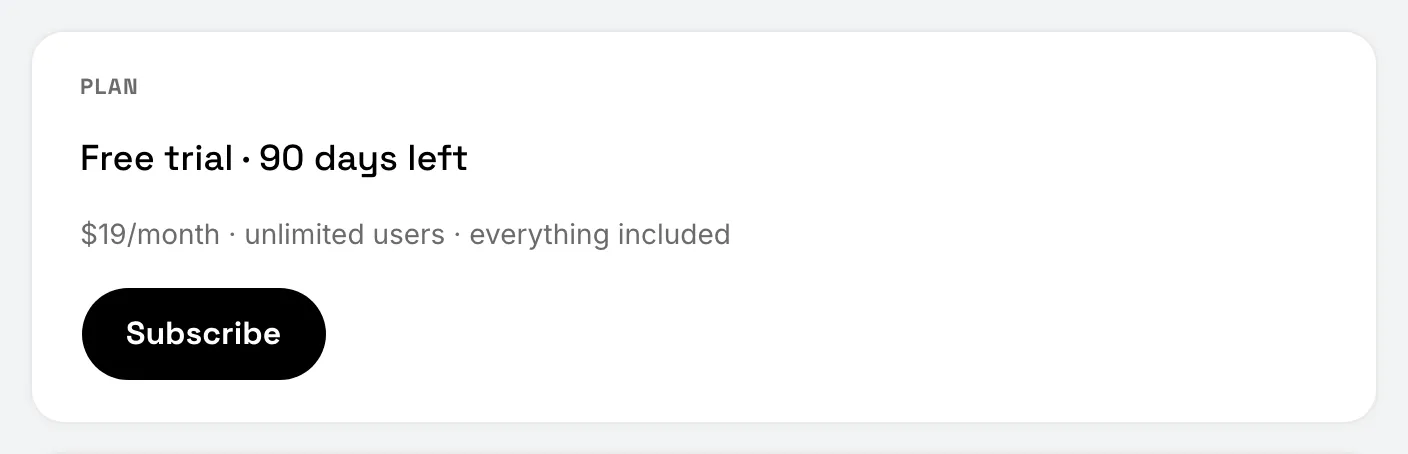
Every new business starts with a 90-day free trial. No card is needed to start, and everything in FieldFlow is included. One subscription covers your whole team. For the price, see pricing.
Only the owner can subscribe or manage billing. Admins don’t see the Subscription settings.
During the trial
The owner sees the days left in Settings › Subscription. In the last two weeks, a banner at the top of the app counts them down, with a Subscribe button. The owner also gets an email 14 days, 7 days and 1 day before the trial ends.
Subscribe
Subscribing is done on the web. The phone app has no purchase path.
- On the web, open Settings, then Subscription.
- Choose Subscribe and pay on Stripe’s checkout page.
- Come back to FieldFlow. The page shows “Confirming your payment…” for a few seconds, then your plan.
On the phone, Settings shows your subscription’s status for the owner, with a note to manage it on the web.
Manage billing
Once you’re subscribed, Settings › Subscription on the web shows Manage Billing. It opens Stripe’s billing page, where you can change your card, see your invoices or cancel.
If you cancel, the subscription ends at the end of the period you’ve paid for, and the plan shows “Cancels” with that date. You keep full access until then. To come back later, choose Subscribe again.
Not using FieldFlow for a while? You can pause instead of canceling.
If a payment fails
The owner sees “Your payment failed” at the top of the app, with Update Card. Stripe tries the payment again for a while, and the account keeps working in the meantime. If every try fails, the subscription ends.
When a trial or subscription ends
If the trial ends without a subscription, or a subscription ends, the account becomes read-only:
- You and your team can still sign in and see everything.
- Nothing can be added or changed, nothing is sent to clients, and Flow AI doesn’t run.
- Clients can still open and pay invoices you already sent, and you can still issue refunds.
- The owner or an admin can still download all your data.
Trying to change something shows “Subscribe to keep working”. On the phone, the message says “This account is read-only”.
Subscribe to make the account writable again. Everything is where you left it.
How long your data is kept
After a trial or subscription ends, your data is kept for 90 days. The owner gets an email 30 days and 7 days before it’s deleted. Subscribe before then to keep everything, or download what you need.
A paused account is never deleted this way. See Pause your account.
Still stuck? Contact us.