QuickBooks keeps the books. FieldFlow runs the day.
QuickBooks is an accounting tool built around the books. FieldFlow runs the schedule, the estimate, the invoice, and the payment, and tracks expenses and the P&L too. Here is where each fits for a 1–5 person shop.
- No credit card
- No contracts
- Unlimited users
In short
FieldFlow is field service management software for 1–5 person trades businesses: scheduling, estimates, invoices, payments, customers and the books in one app for the owner and the crew. It costs $19/month for the whole business, with unlimited users and every feature included, and starts with a 90-day free trial with no credit card. It runs in a web browser on a computer or a phone, at app.fieldflowusa.com; the phone app for iPhone and Android is coming to the App Store and Google Play. QuickBooks Online is accounting software, not field service software: FieldFlow runs the schedule, the estimates, the invoices and the payments, and can push invoices and payments into QuickBooks Online.
Updated ; vendor prices checked October 17, 2026.
FieldFlow facts, on one pageSide by side
-
Monthly price
FieldFlow: $19
Simple Start $38
+ Jobber $67+
-
Appointment scheduling
FieldFlow: Included
Simple Start Essentials and up ($85/mo)
+ Jobber Included
-
Estimates with e-signature
FieldFlow: Included
Simple Start Estimates (signature not stated)
+ Jobber Included
-
Expense tracking & receipts
FieldFlow: Included
Simple Start Included
+ Jobber QuickBooks only
-
Mileage tracking
FieldFlow: Included
Simple Start Included
+ Jobber QuickBooks only
-
Crew time tracking
FieldFlow: Included
Simple Start QuickBooks Time add-on
+ Jobber Jobber Connect ($99/mo)
-
Users included
FieldFlow: Unlimited
Simple Start 1
+ Jobber 1
-
AI assistant
FieldFlow: Flow (books jobs, drafts invoices)
Simple Start Intuit Intelligence
+ Jobber Jobber AI Chat and AI Voice
| FieldFlow | QuickBooks Simple Start | QuickBooks + Jobber | |
|---|---|---|---|
| Monthly price | $19 | $38 | $67+ |
| Appointment scheduling | Included | Essentials and up ($85/mo) | Included |
| Estimates with e-signature | Included | Estimates (signature not stated) | Included |
| Expense tracking & receipts | Included | Included | QuickBooks only |
| Mileage tracking | Included | Included | QuickBooks only |
| Crew time tracking | Included | QuickBooks Time add-on | Jobber Connect ($99/mo) |
| Users included | Unlimited | 1 | 1 |
| AI assistant | Flow (books jobs, drafts invoices) | Intuit Intelligence | Jobber AI Chat and AI Voice |
QuickBooks Online and Jobber list prices as of October 17, 2026 (Jobber billed annually), from QuickBooks and Jobber's pricing pages. They change often; check before you decide.
Your QuickBooks bill, next to $19.
Set the size of your crew. The plate prices it on QuickBooks Online's published rates and on FieldFlow's one plan.
- Your bill
- $85/mo
- QuickBooks Essentials · up to 3
- FieldFlow
- $19/mo
- One plan · 3 people, same price
You keep $792 a year.
People on your crew
Lowest advertised rate, billed annually, shown monthly. October 17, 2026. Software only; add your day-to-day below.
Add your day-to-day (optional)
Assumptions
Assumes 0% more revenue from same-day invoicing
An invoice sent from the driveway gets paid sooner and is never forgotten in the truck. It starts at 0% because we have not measured it; set it to what you believe.
Assumes 0% less admin time
Scheduling, invoicing, and reminders happen in one place instead of by hand at night. It starts at 0% because we have not measured it; set it to what you believe.
- Time saved per week at 0%
- 0 hours
- Hours saved per year
- 0 hours
- Extra revenue at 0% from same-day invoicing
- $0
Estimated first-year impact
- Sourced software savings
- $792
- Assumed revenue at 0%
- $0
- Together
- $792
Time and revenue are estimates from the assumptions above, not typical results. Your savings may vary.
What QuickBooks does better.
Bookkeeping and financial reporting, automated bank feeds, AI-powered reconciliation from the Plus plan, automatic sales tax, inventory tracking from Plus, and a separate Payroll product. If you have W-2 employees, carry inventory, or your accountant wants a general ledger, QuickBooks is the right home for that, and FieldFlow pushes your invoices and payments into it from the web app in one click.
What FieldFlow does better.
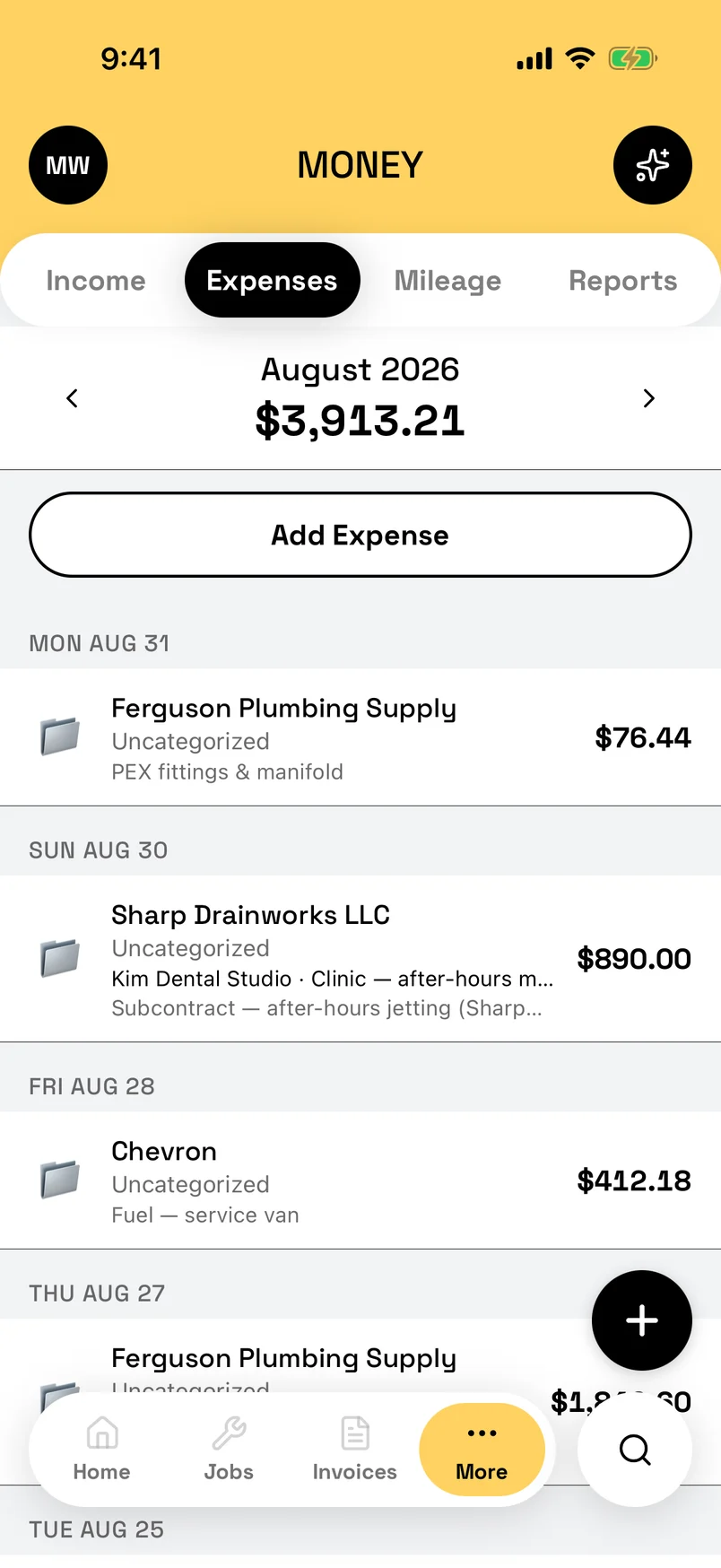
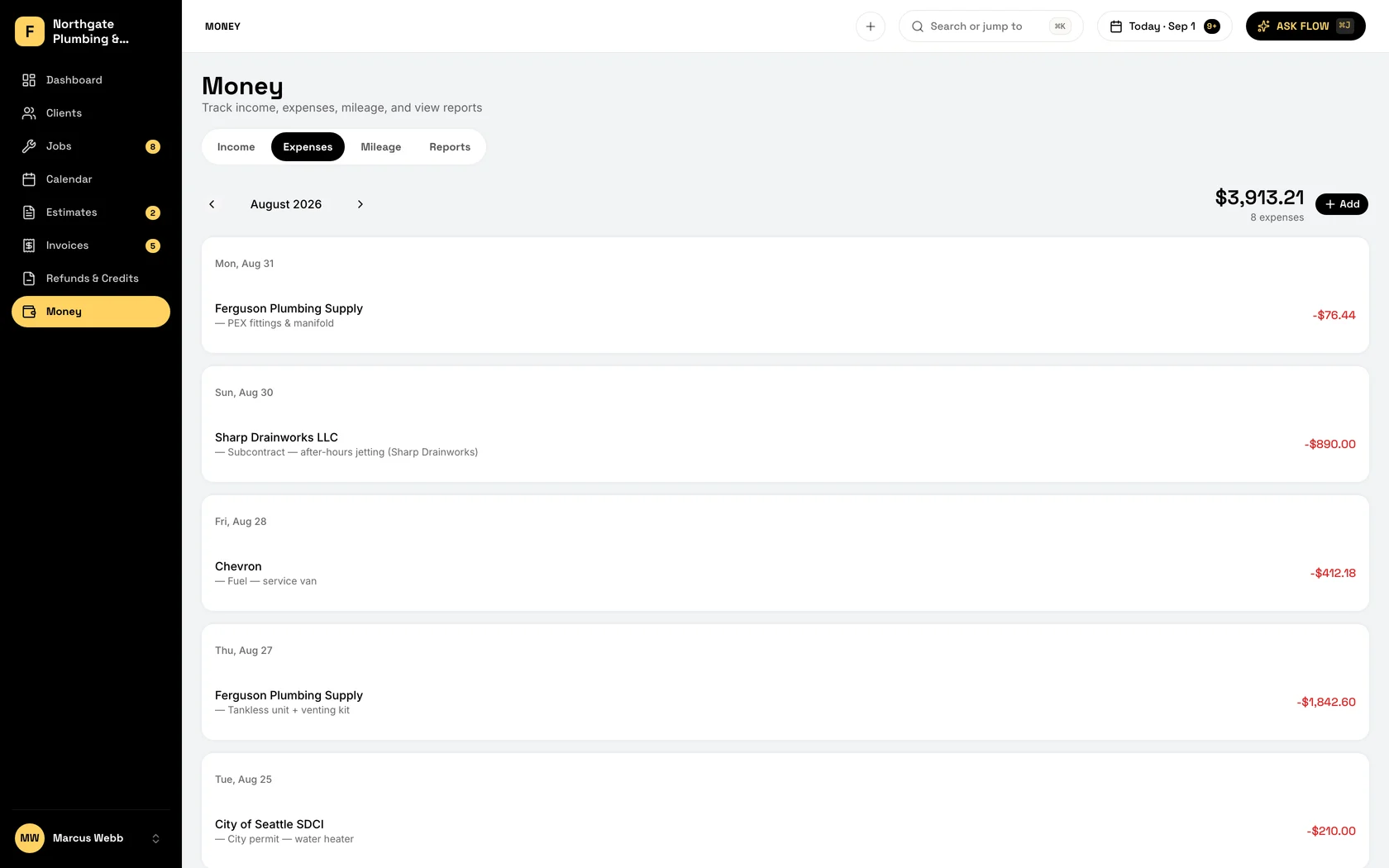
Everything that happens before the money reaches the books. The schedule and who is on it, estimates the customer signs on your phone, invoices sent with a pay link (email, or a text from your own phone), and the expense, receipt, and mileage logging a Schedule C filer actually needs. Plus Flow, which books the job and drafts the invoice for you.
Keeping both? They talk.
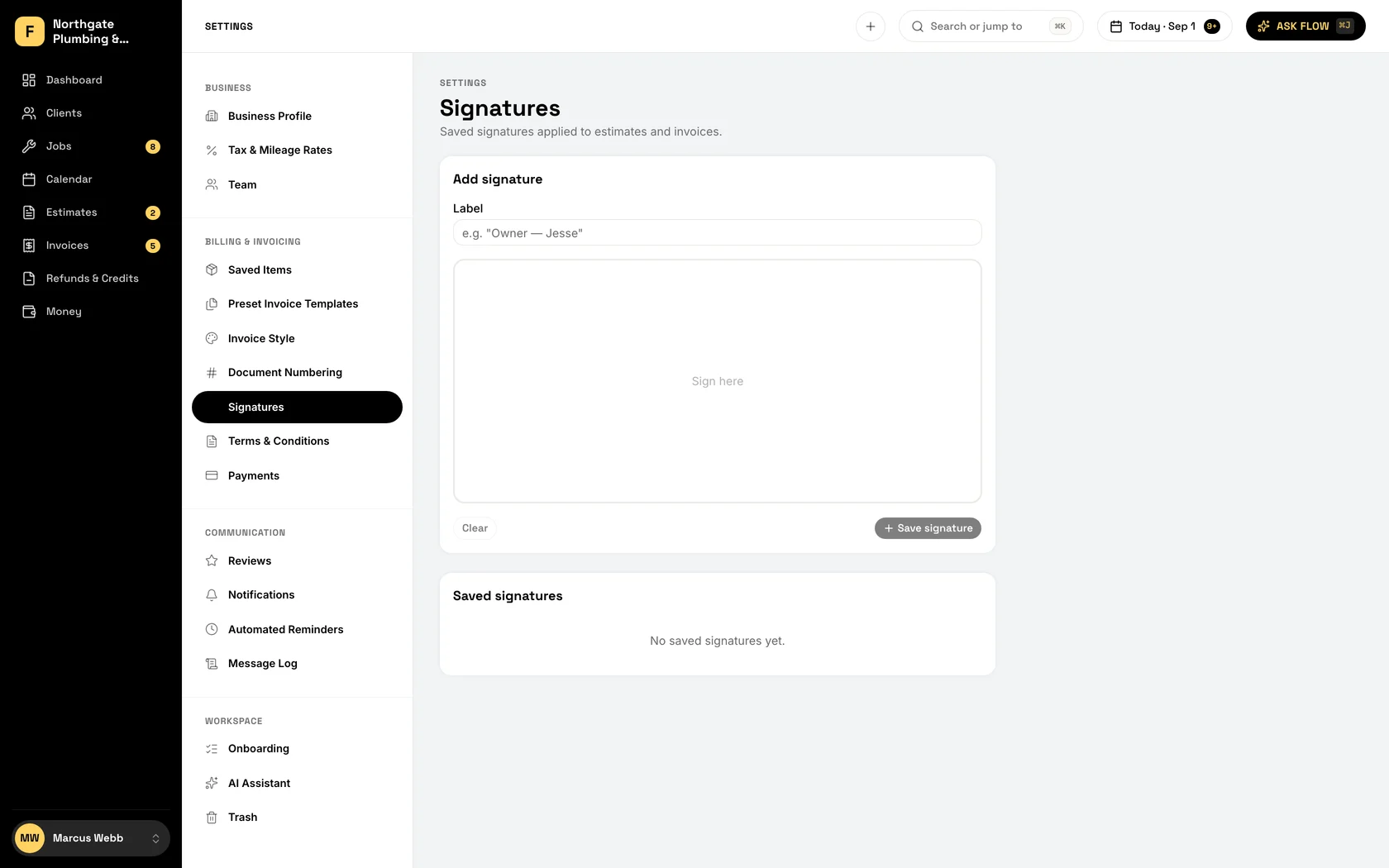
Connect QuickBooks from FieldFlow settings and import your customer list in a couple of clicks. Duplicates are flagged, nothing is retyped.
When an invoice is issued, push it to QuickBooks along with its customer and any payments. It's a one-way, on-demand push, so nothing changes in QuickBooks unless you tell it to.
Expenses stay in FieldFlow. Export the P&L as CSV or PDF, every line mapped to its Schedule C category, and hand it to your accountant.
Who should choose what.
FieldFlow alone if:
You file Schedule C, you pay helpers as contractors, and what you need is expenses, mileage, and a clean P&L for your accountant. Bring your customers over from a spreadsheet or your phone contacts; FieldFlow flags the duplicates.
FieldFlow + QuickBooks if:
You run W-2 payroll, carry inventory, or your accountant wants a general ledger. Run the day in FieldFlow and push invoices and payments to QuickBooks when the books need them.
FieldFlow launched in 2026, so there are no customer names to show yet. The 90-day trial with no card is how you judge it: run FieldFlow beside QuickBooks, on your own jobs, and decide what stays once you have seen both.
Run the day in FieldFlow. Keep QuickBooks for the books.
Import your customers in a couple of clicks. Push invoices and payments over when the books need them.
- $19/month
- Unlimited users
- Everything included
- No contracts