Everything FieldFlow does, on one page.
Seven tools, 51 things they do, one app for $19 a month. Read the whole list, then take 90 days to try it.
- No credit card
- No contracts
- Unlimited users
In short
FieldFlow is field service management software for 1–5 person trades businesses: scheduling, estimates, invoices, payments, customers and the books in one app for the owner and the crew. It costs $19/month for the whole business, with unlimited users and every feature included, and starts with a 90-day free trial with no credit card. It runs in a web browser on a computer or a phone, at app.fieldflowusa.com; the phone app for iPhone and Android is coming to the App Store and Google Play. All 51 things below are on the one plan, for everyone on the crew.
FieldFlow facts, on one pageThe day, the week, and who is on what.
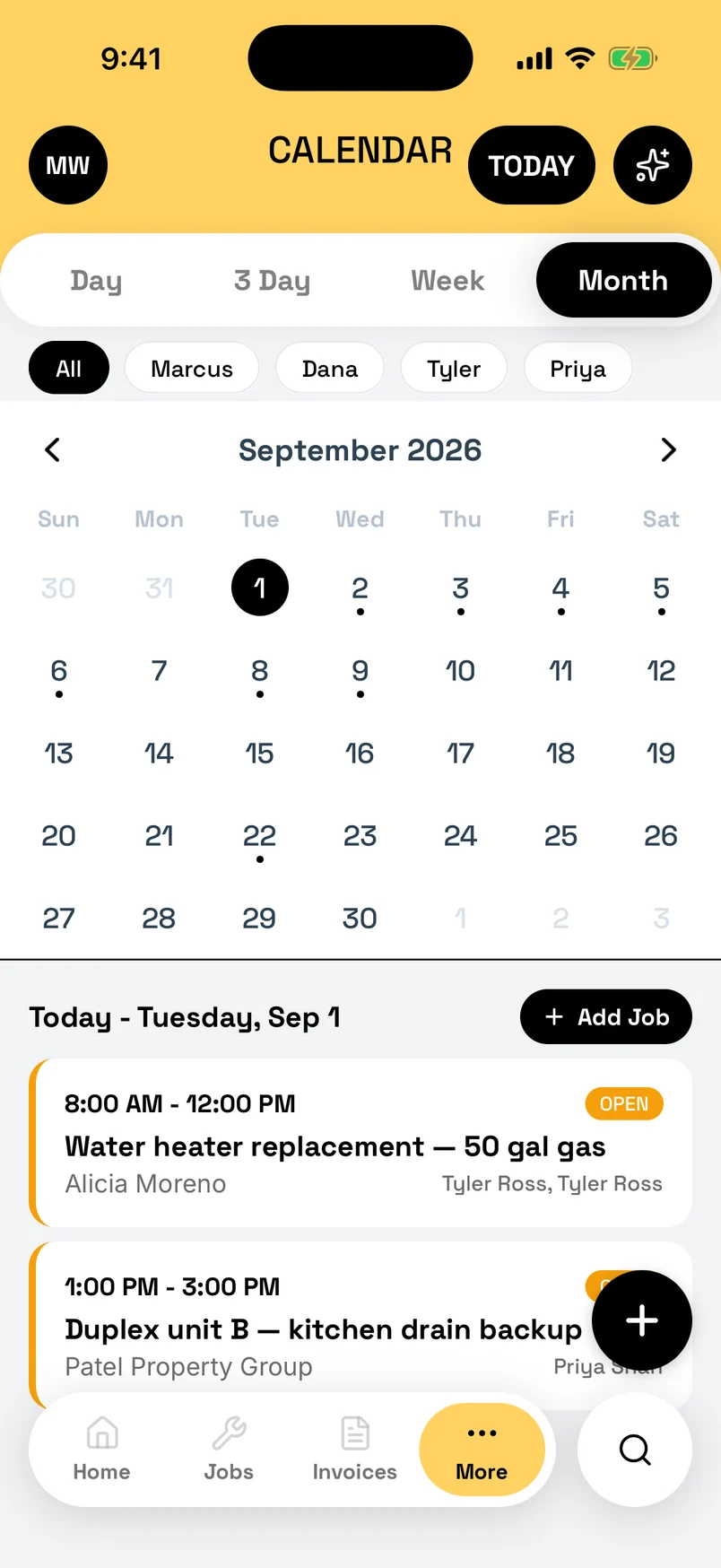
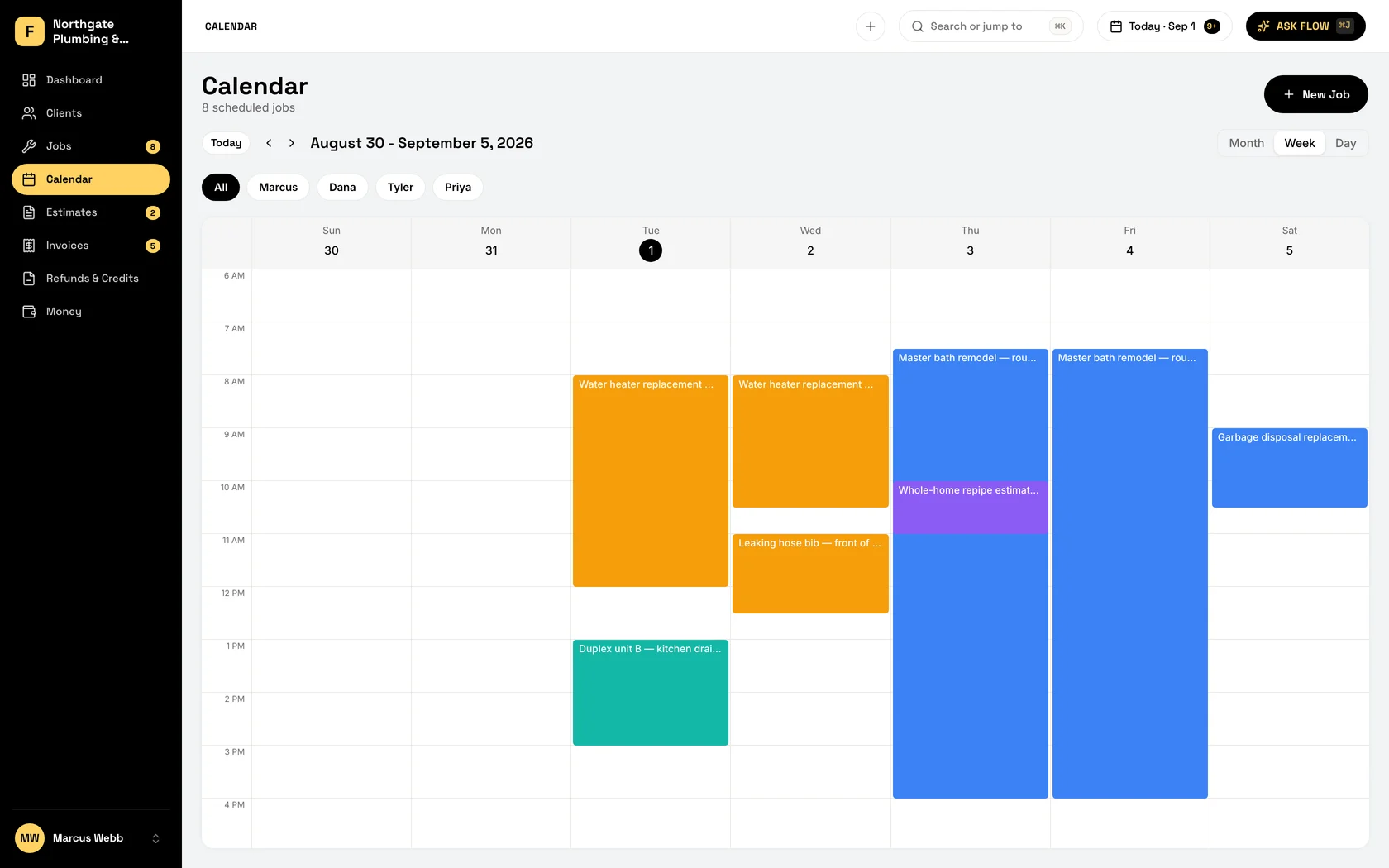
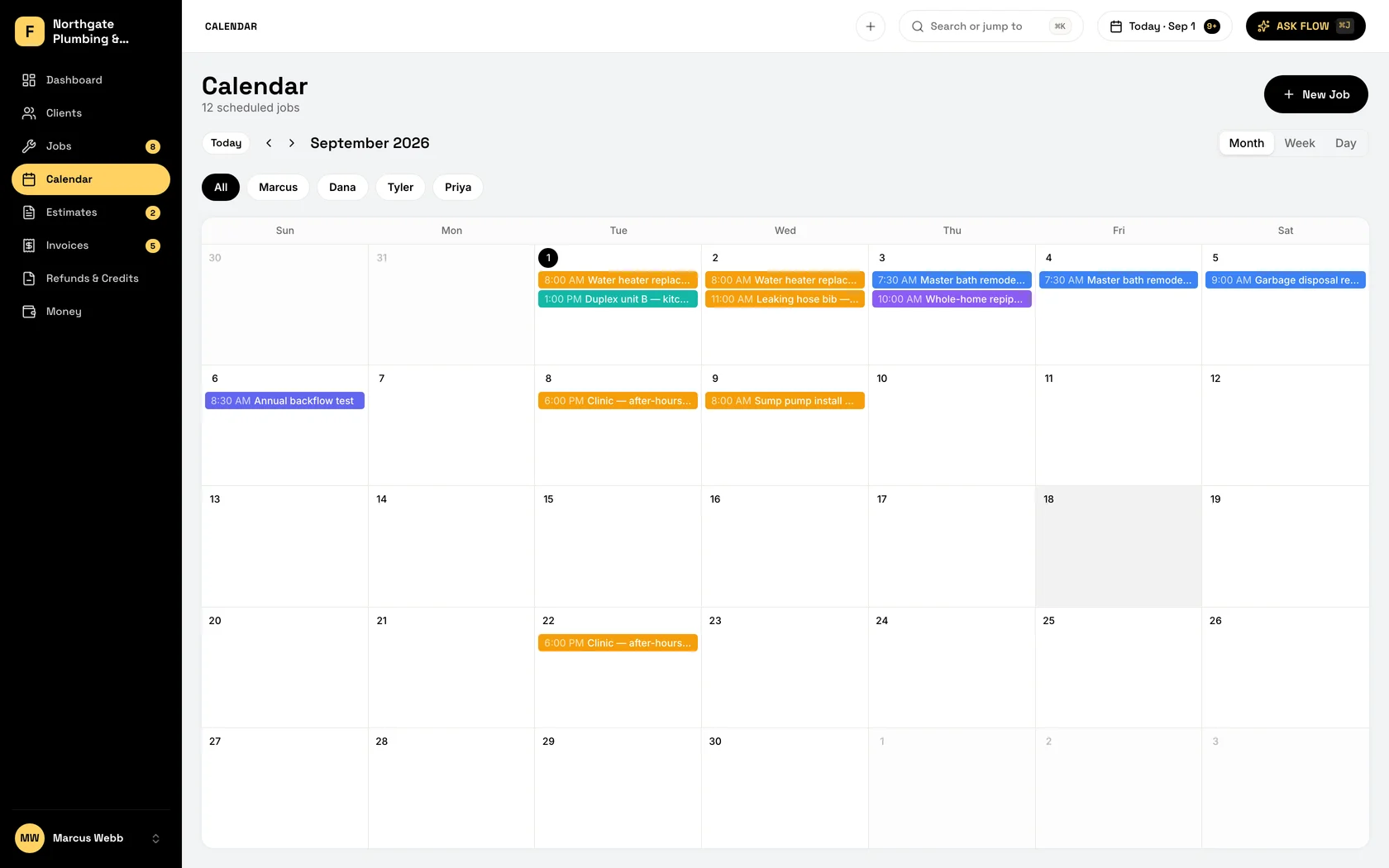
Book a job from an open slot, move it with a drag, and every tech sees their own list on their own phone. The whiteboard and the 6 AM group text can retire.
-
Drag-and-drop calendar
Your day or your week on one screen. Tap an open slot to book a job, drag one to move it. Every truck, one calendar.
-
Recurring jobs
Set the weekly mow or the quarterly treatment once. It books itself for the rest of the season, and the invoice is ready when it is done.
-
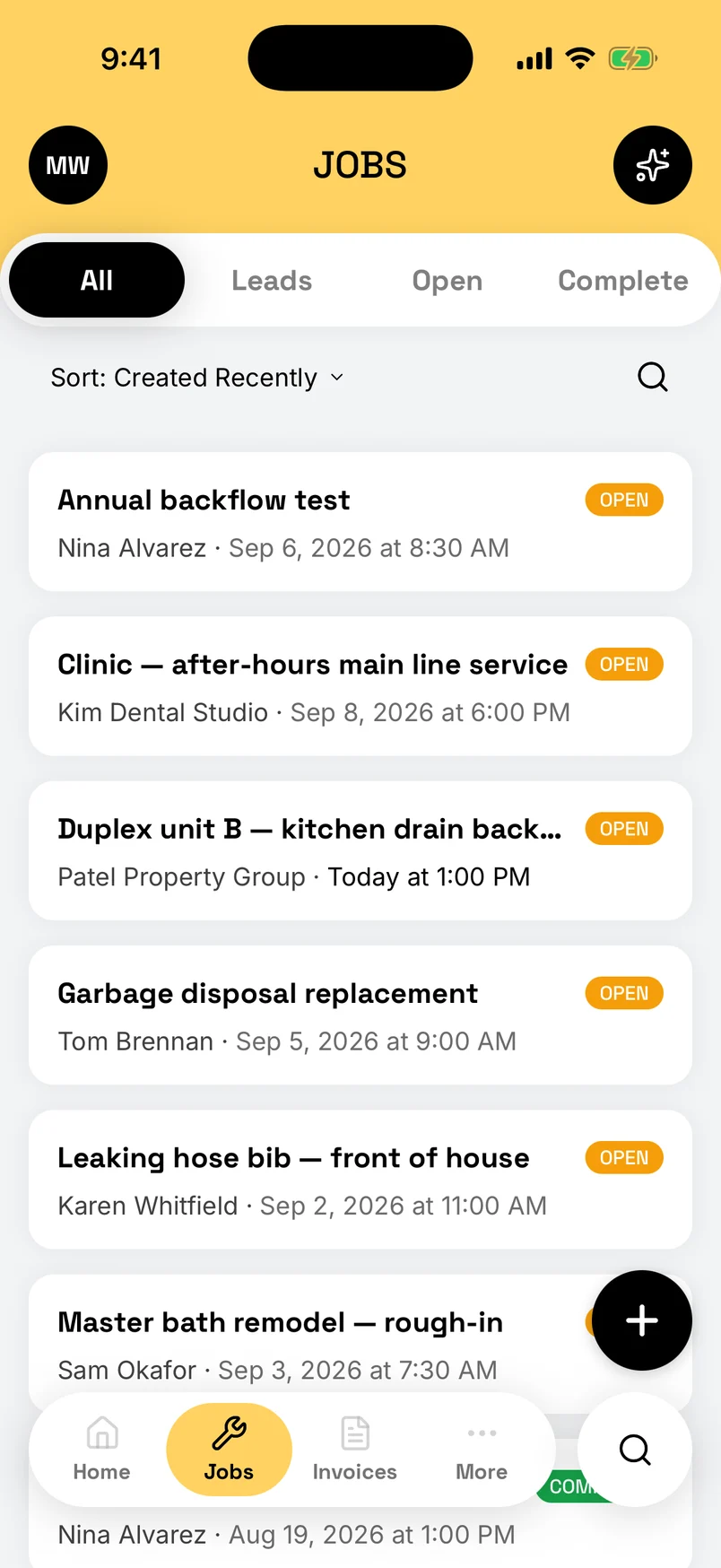
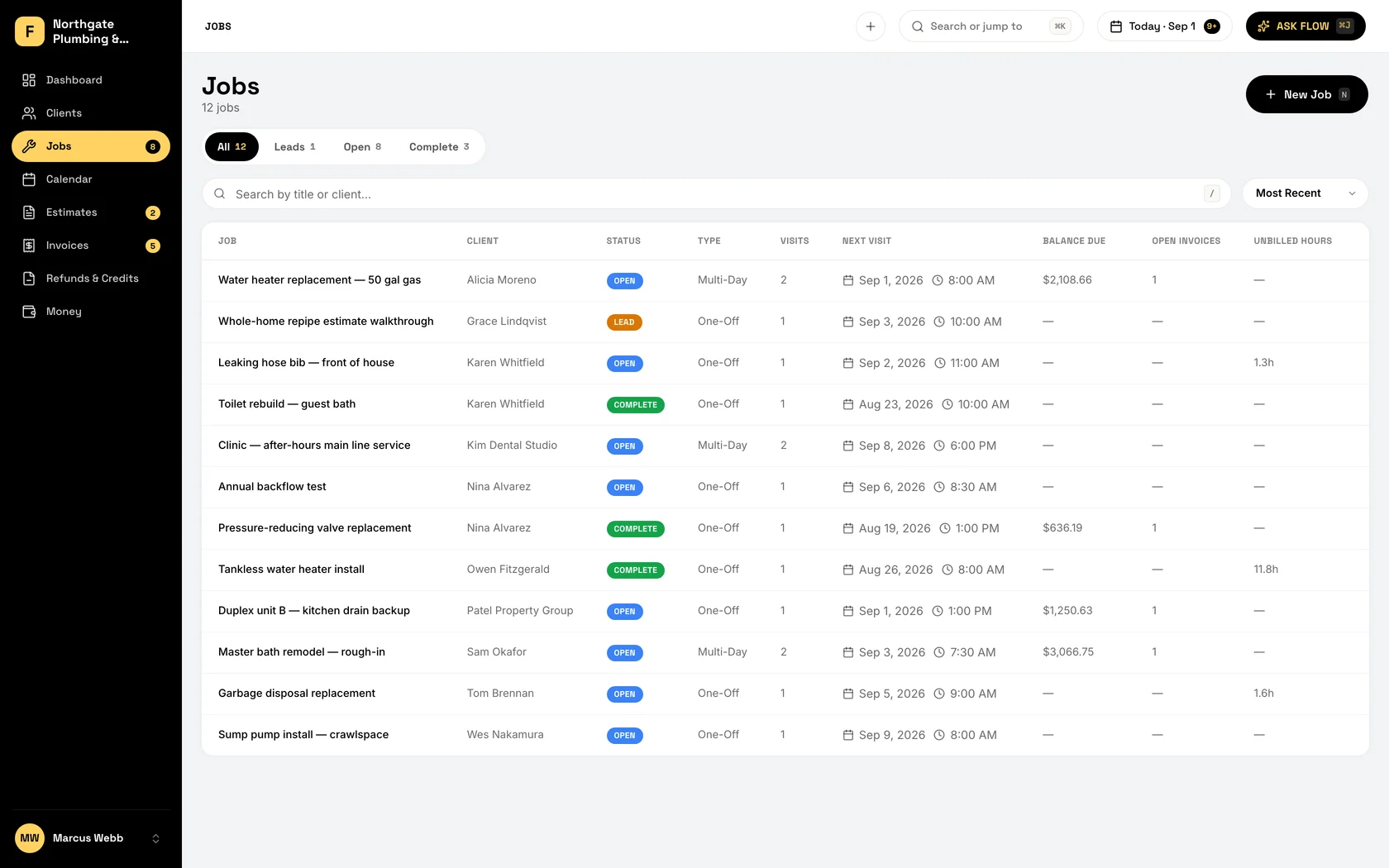
Each tech sees their own jobs
Assign a job and it lands on that tech’s list with the address, the notes, and the customer’s number. Subs get an email. Nobody asks where they are going.
-
Reschedule with a drag
Customer needs Thursday instead? Drag the job, drop it, done. The new time is on your tech’s phone before you have put yours away.
-
Day, week, and month views
Switch views to find the gap on Wednesday and the crowded Friday. Fill one from the other before the week starts.
-
Reminders, and a text from your phone
With reminders on, customers get an email 24 hours before and again an hour out. Running behind? Text Client fills in “on my way” on your own phone for you.
-
Works in the basement
No signal? Book and move jobs, mark visits done, log hours, notes, photos, expenses, and miles. It all syncs when you are back on the road. Estimates, invoices, and payments wait for a signal.
The invoice goes out before you do.
Build the estimate from your saved items while you are still on the porch, get it signed on your phone, and turn it into the invoice with one tap. The follow-ups go out on their own at 3, 7, 14, and 30 days.
-
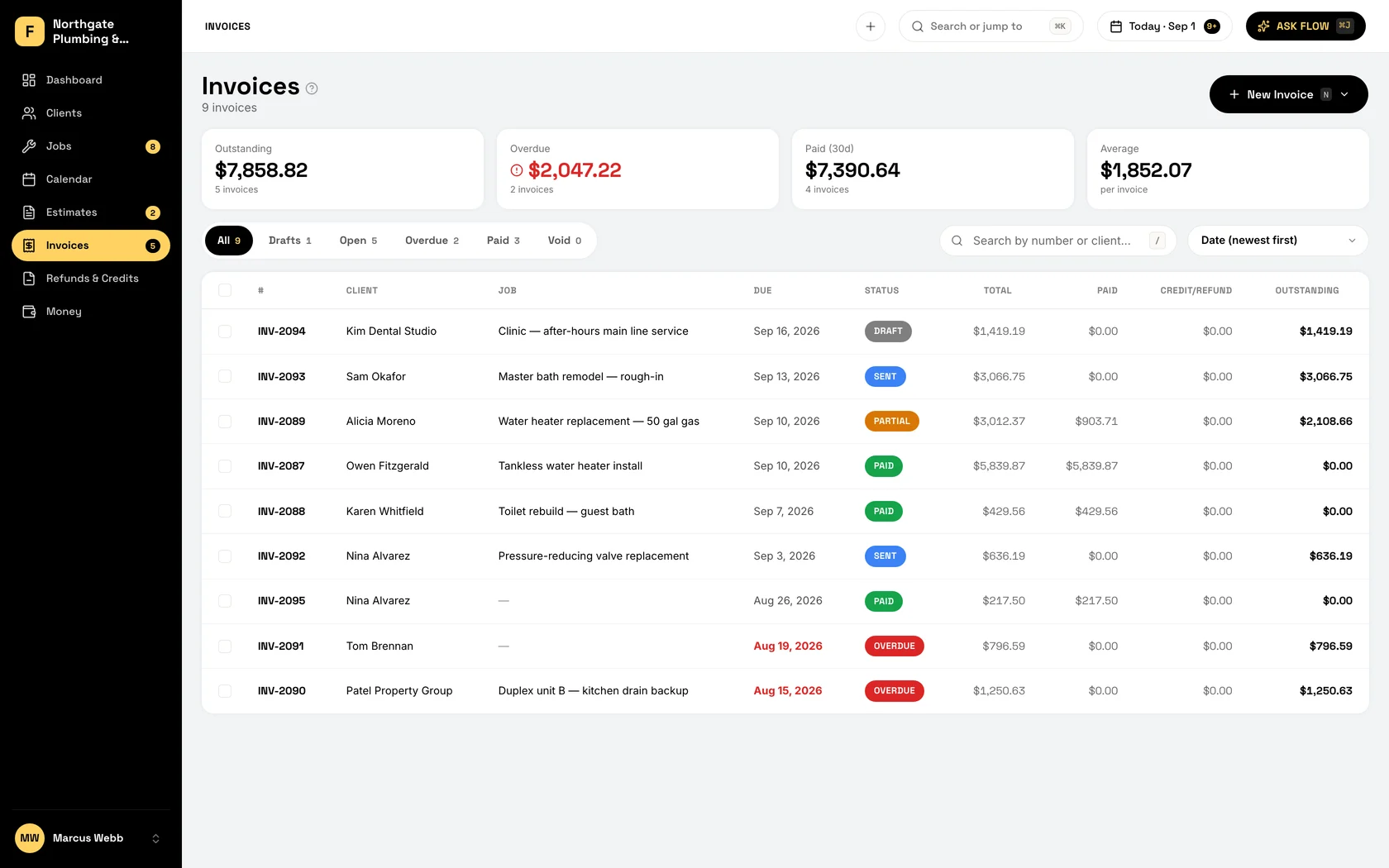
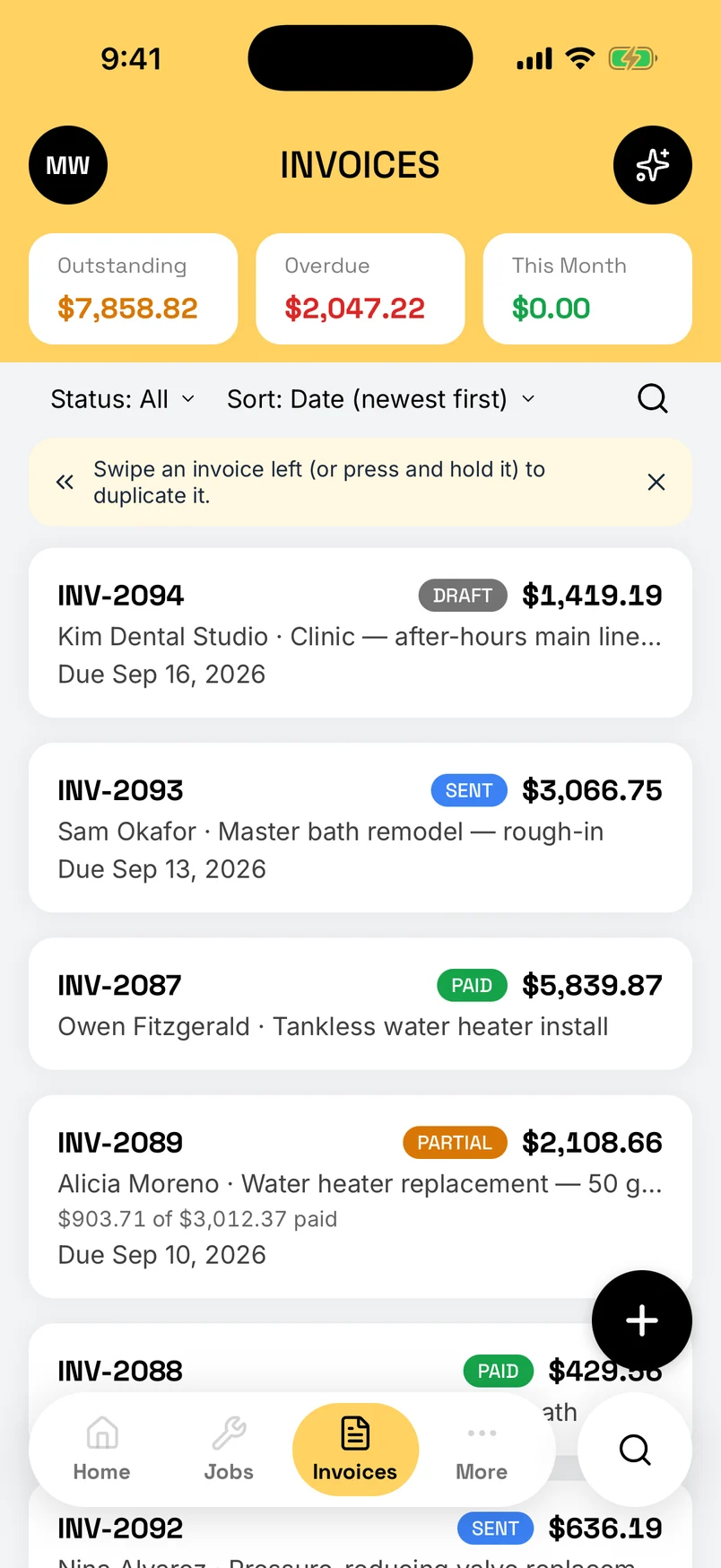
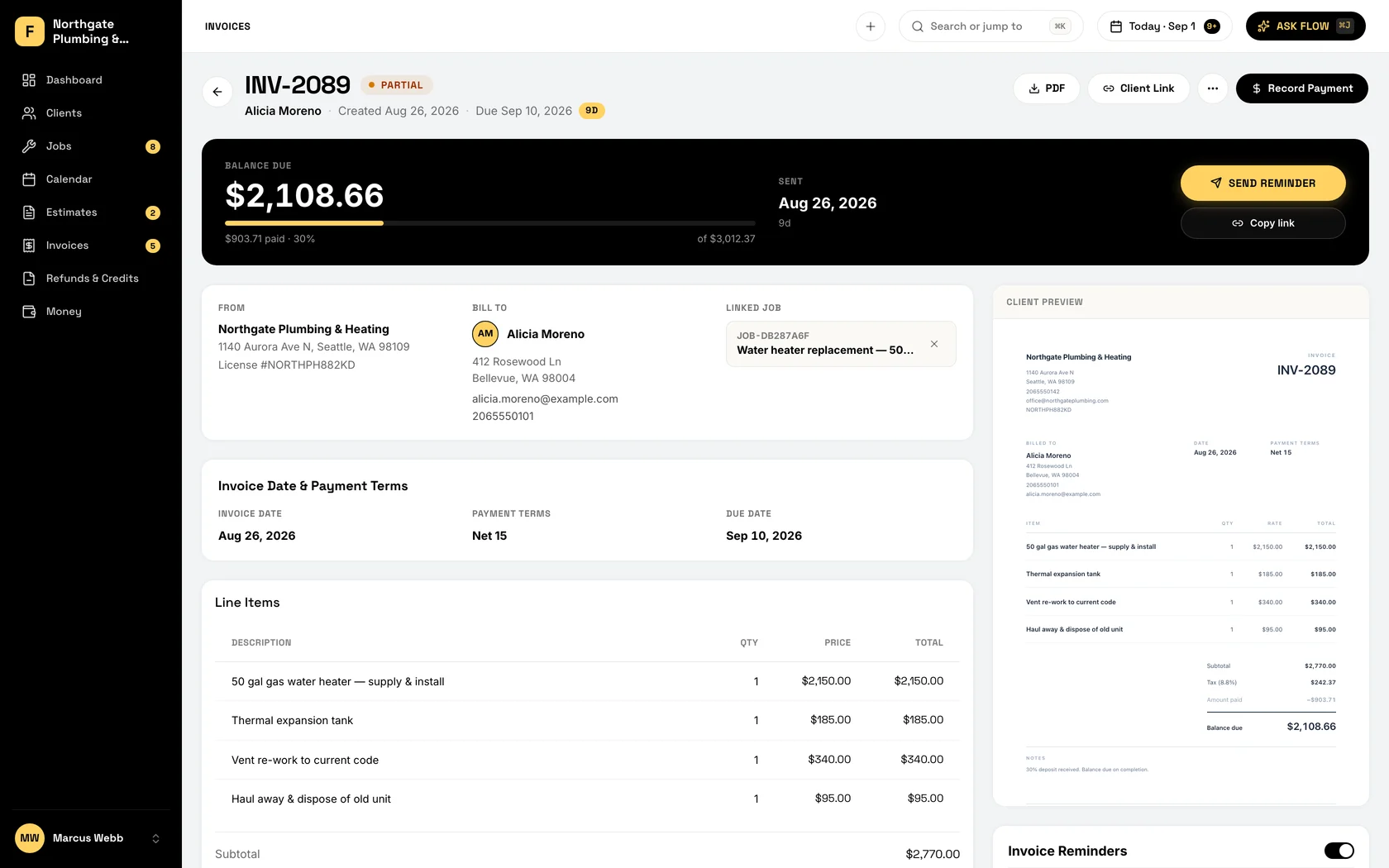
An invoice from saved items
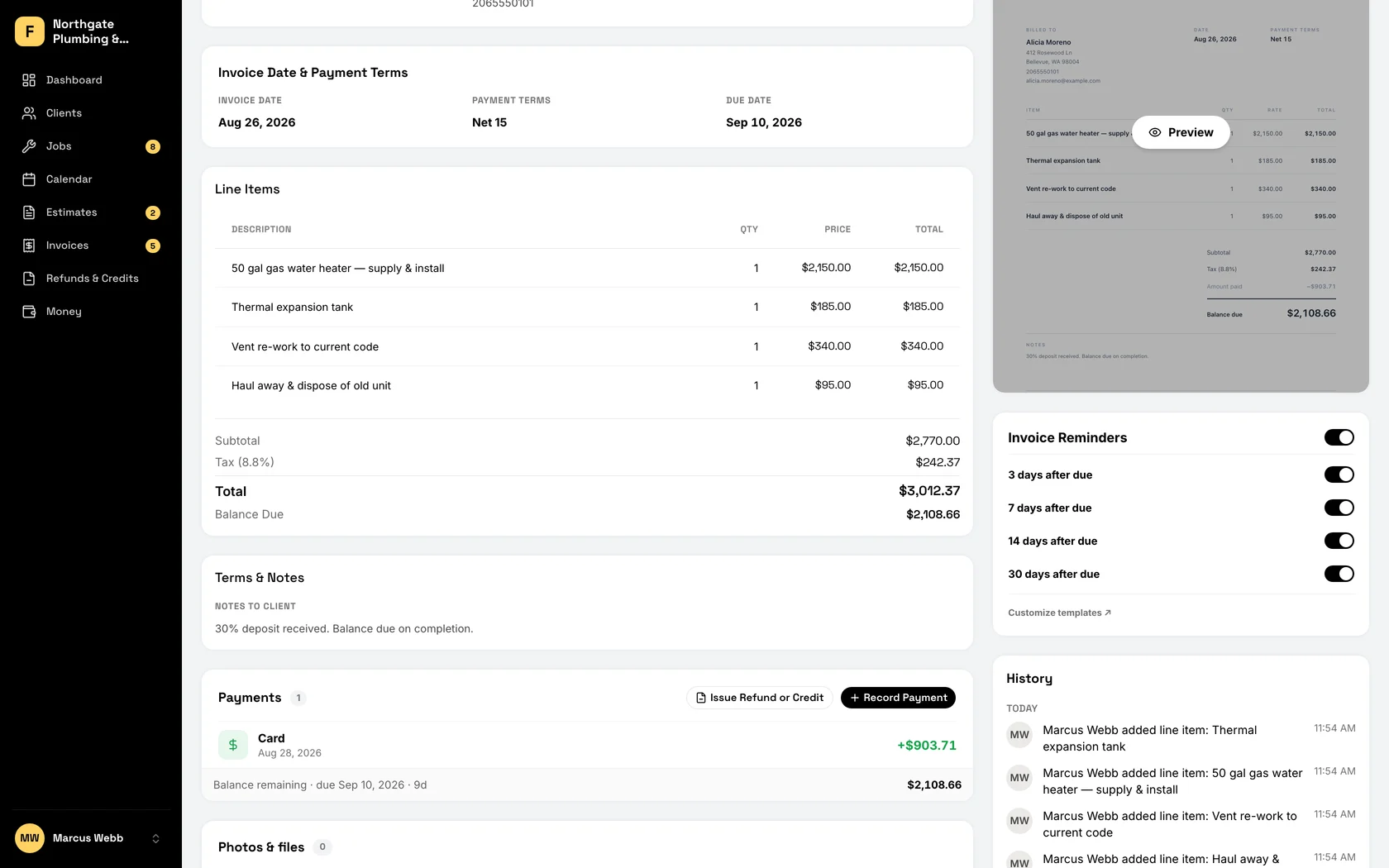
Pick the line items, the total does the math with tax, and text it from your phone with the link filled in, or email it. The customer has it before you are back in the truck.
-
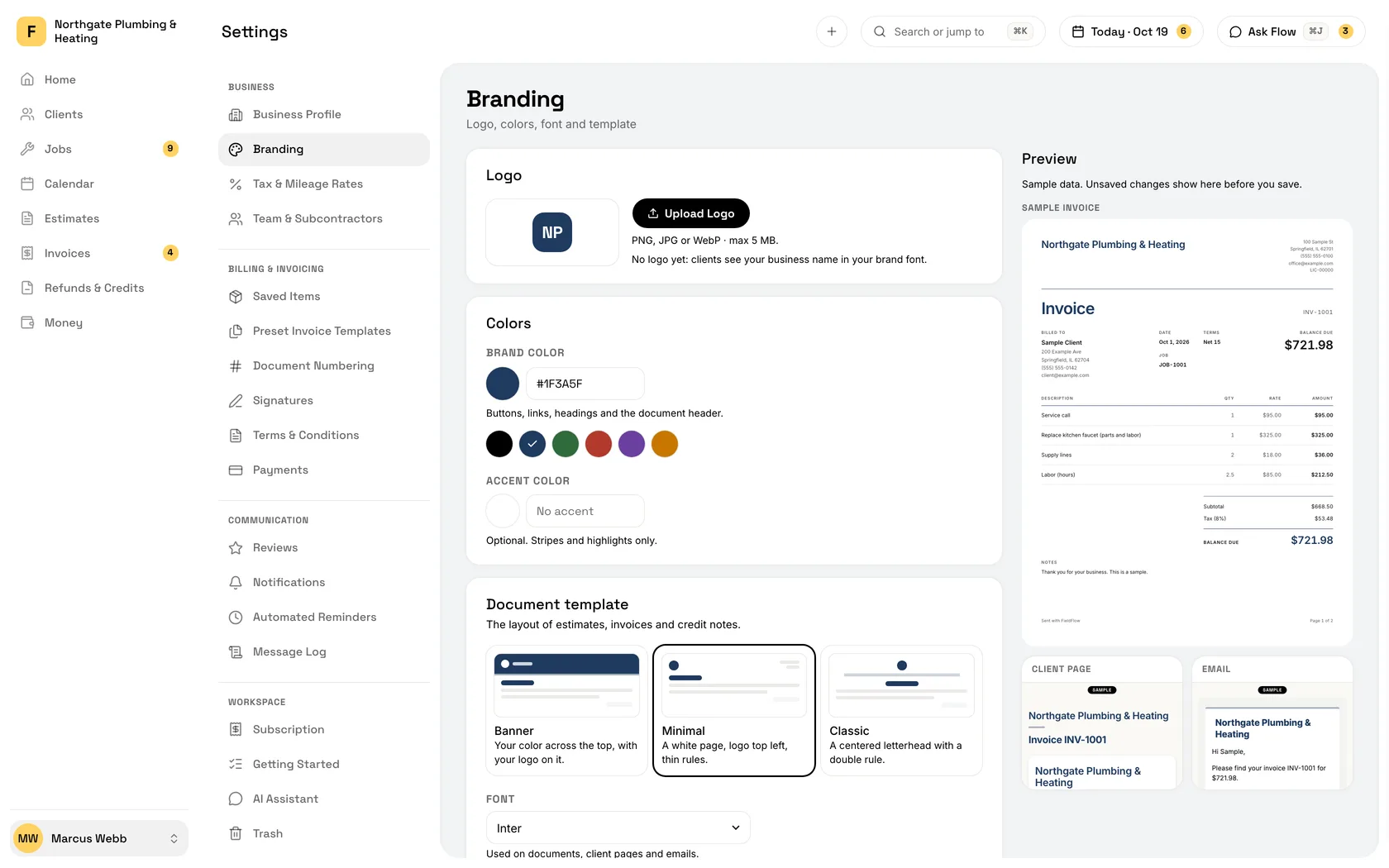
Your name on it
Your logo, your colors, your license number. It looks like it came from a company, because it did.
-
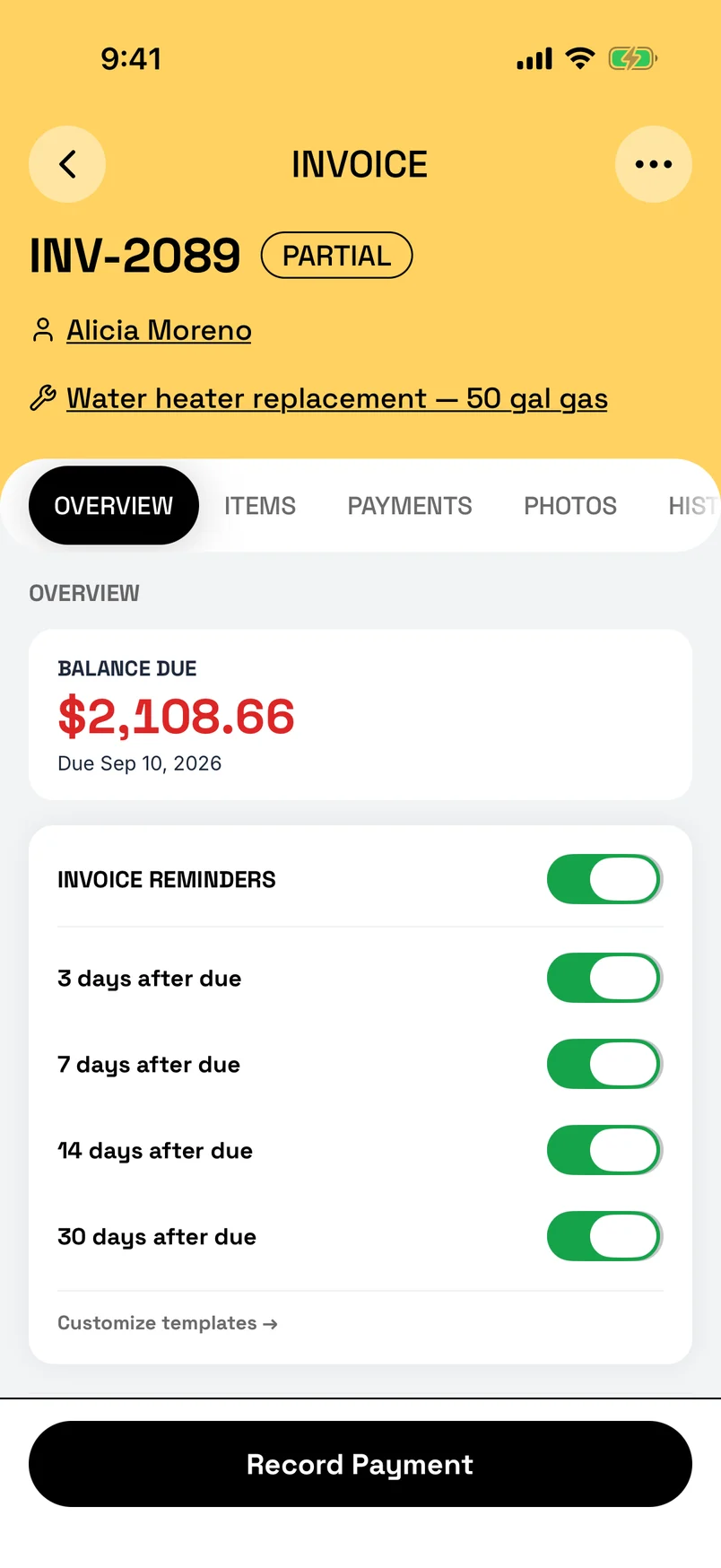
Follow-ups that chase for you
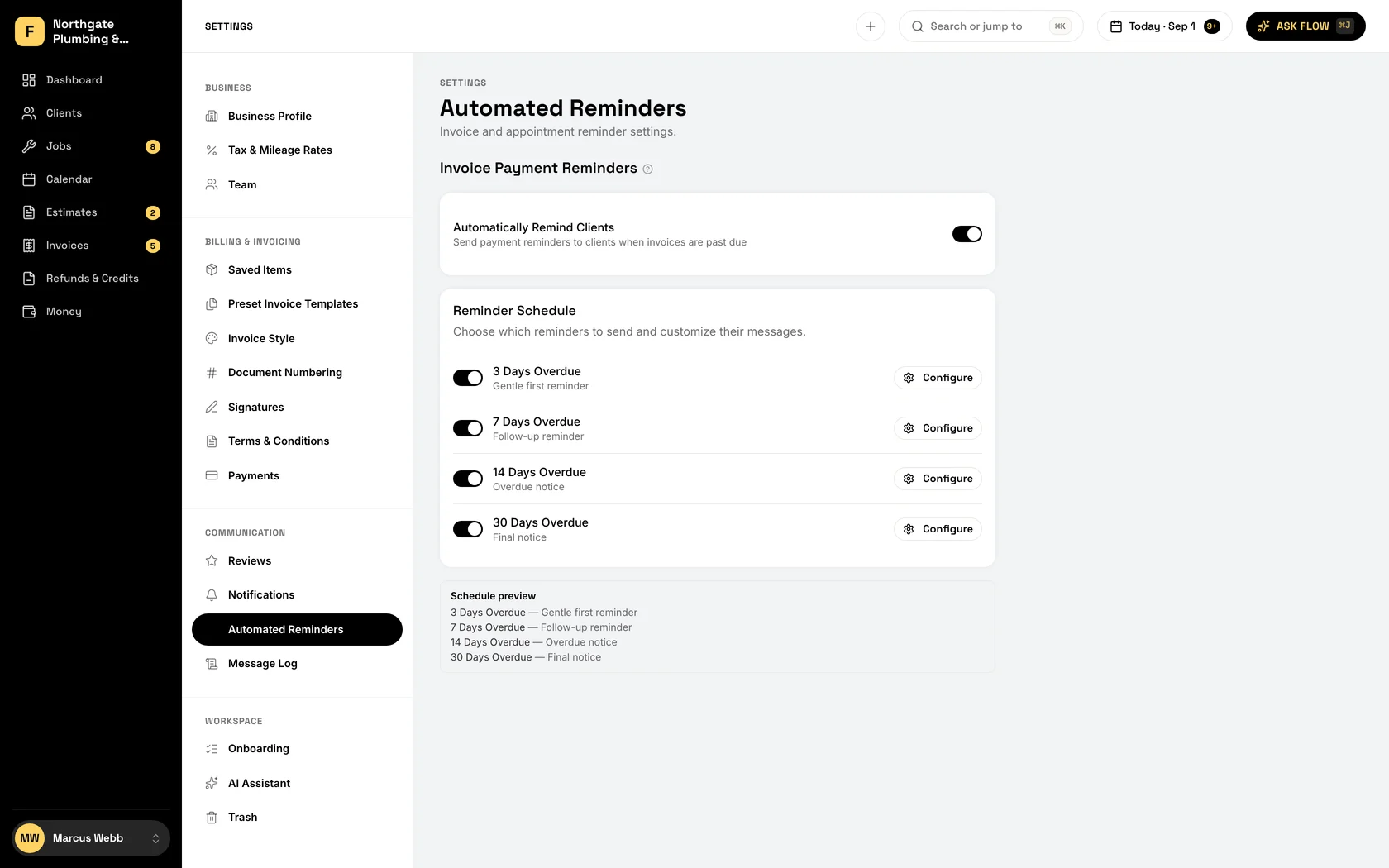
Turn it on once. Overdue invoices get an email at 3, 7, 14, and 30 days, and estimates nobody answered get a nudge too. No awkward call.
-
Estimate to invoice in one tap
Customer signed? One tap and the estimate is the invoice. Nothing retyped, nothing missed.
-
Deposits, before the materials
Put a deposit on the estimate. The moment they sign, the deposit invoice is made and they can pay it right there. Partial payments and the balance keep themselves straight.
-
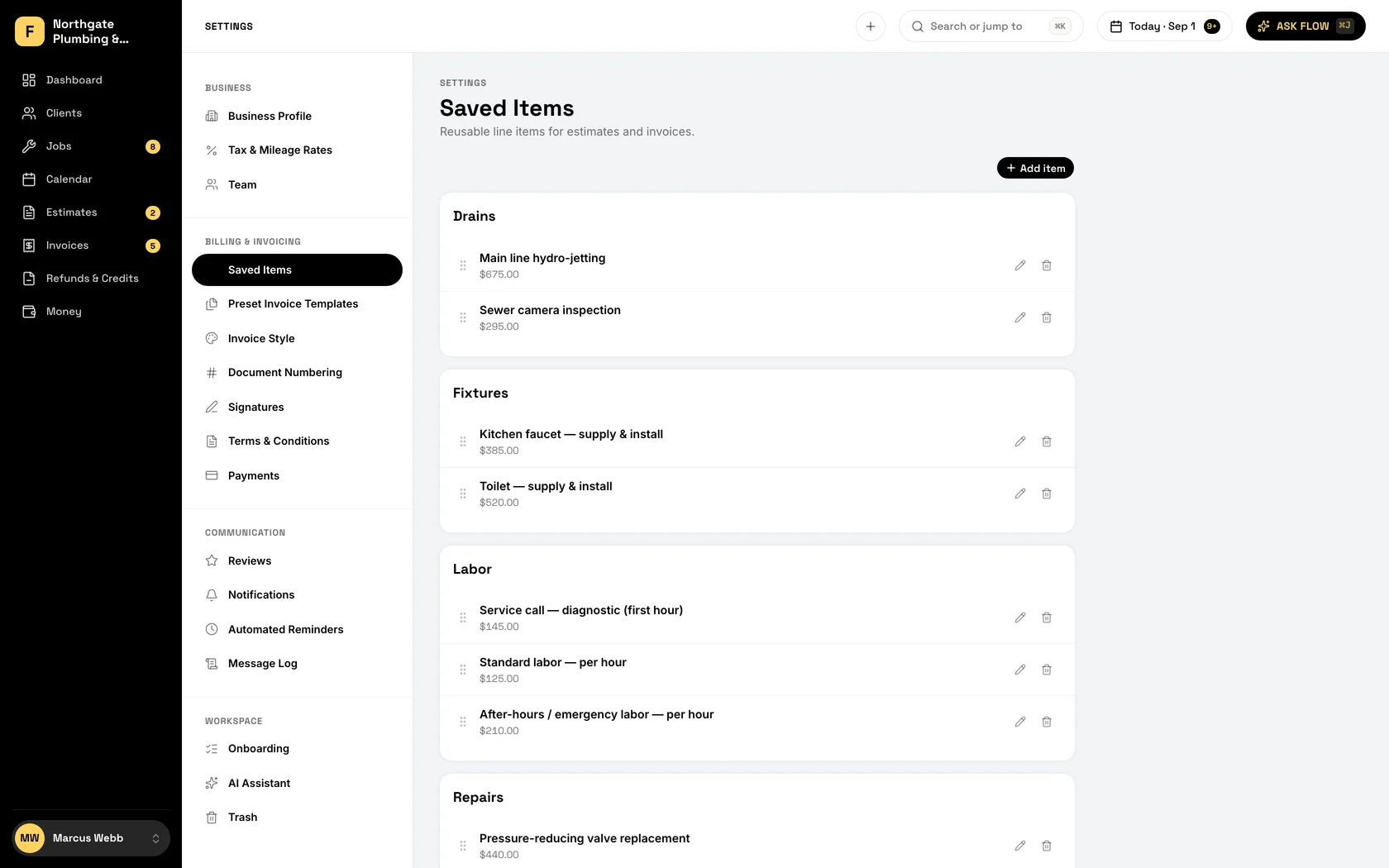
Saved line items
Water heater install, drain clean, service call. Save what you sell once and add it with a tap. Your prices stay your prices.
-
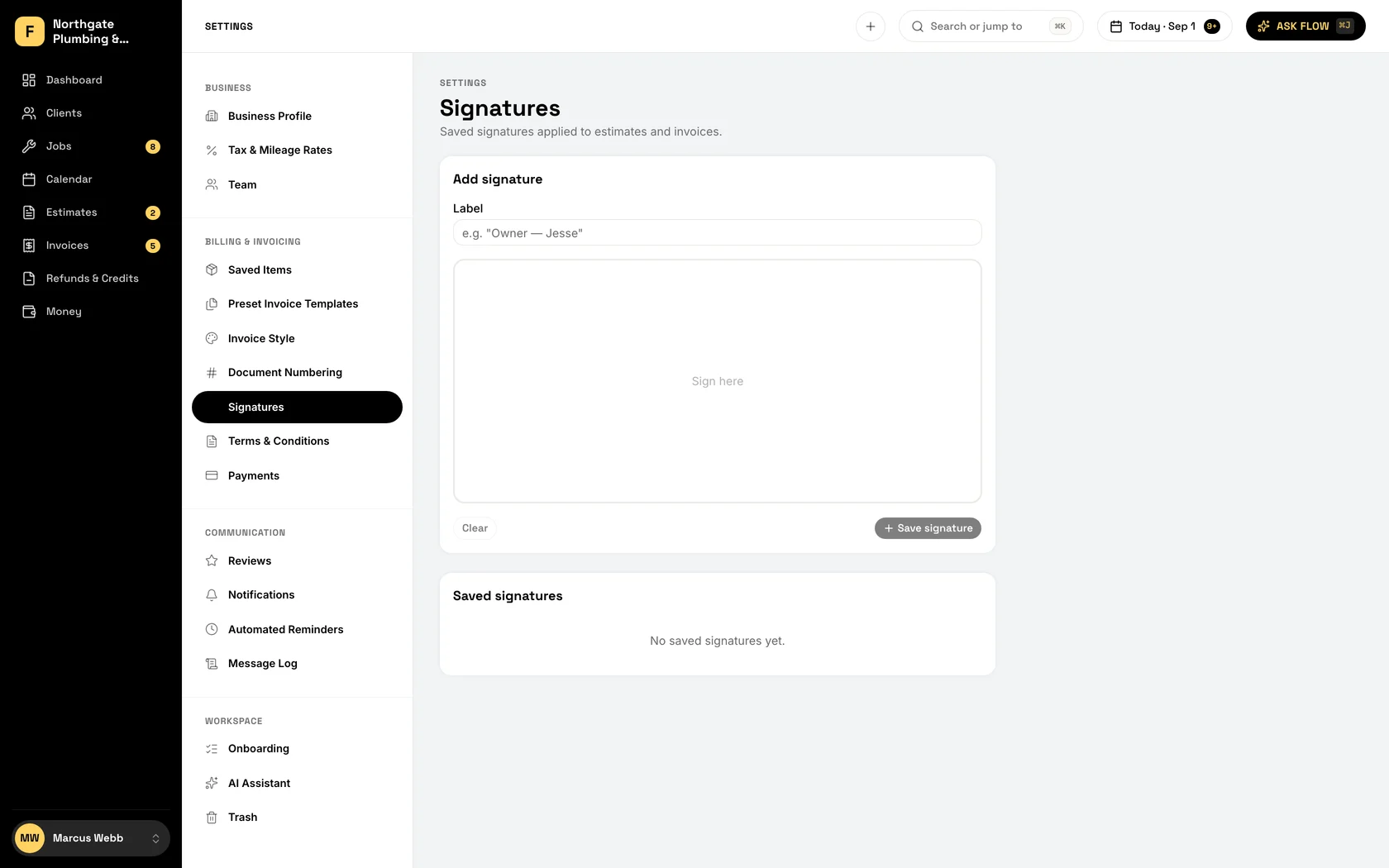
Signed on the spot
They sign on your phone, or from the link you send them, with a code we email them. Both of you get the signed PDF, with a record of who signed what and when.
Every way they pay, on the invoice it belongs to.
Text the pay link from your own phone before you pull out of the driveway. Card and bank transfer payments mark the invoice paid on their own; Venmo, PayPal, Zelle, cash and checks you log against it in two taps.
-
Text-to-pay
Text the pay link from your own phone, or email it. The customer taps, pays, and your phone buzzes. The invoice is marked paid before you reach the next stop.
-
Bank transfer at a lower rate
ACH runs 1.1% or less (Stripe's fee stops at $5 from $625 up), against 3.2% + $0.30 on a card. On a $4,000 job that is about $110 less in fees.
-
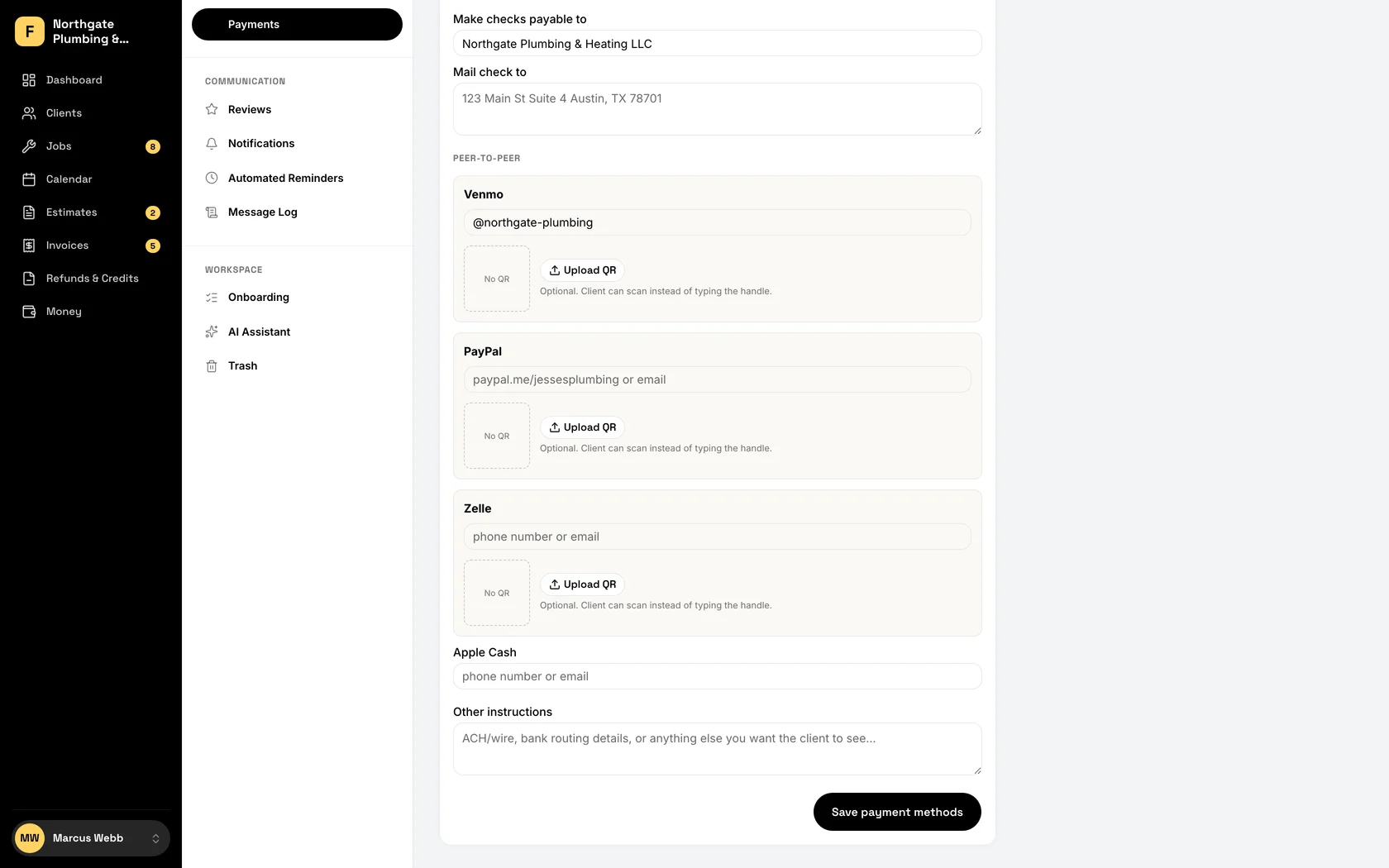
Venmo, PayPal, and Zelle
Add your handle once. The customer scans a QR code from the invoice and pays you directly. No app-hopping, no typo in the handle.
-
Cash and checks, logged
Two taps and the cash is on the invoice. The check too. Nobody has to remember who paid how, three weeks later.
-
Reminders you never send
Overdue invoices get followed up on a schedule you set once. The money comes in without the phone call you were putting off.
-
Deposits and progress payments
Collect before the materials, again at the halfway point, and the balance at the end. What is paid and what is owed stays on one invoice.
-
Refunds and credits
Charged the wrong amount, or the customer changed their mind? Refund the card or credit the invoice from the app. The books stay right.
Walk in already knowing the house.
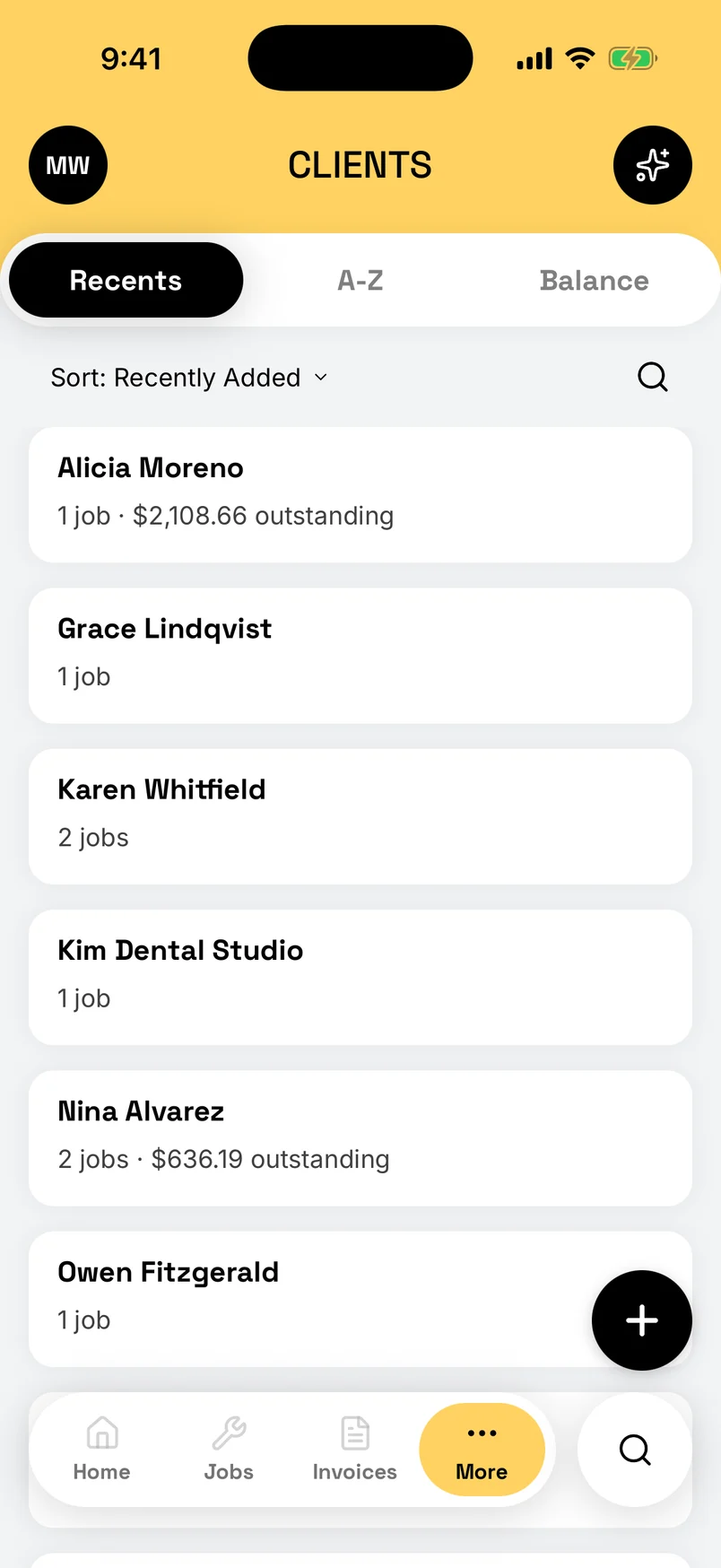
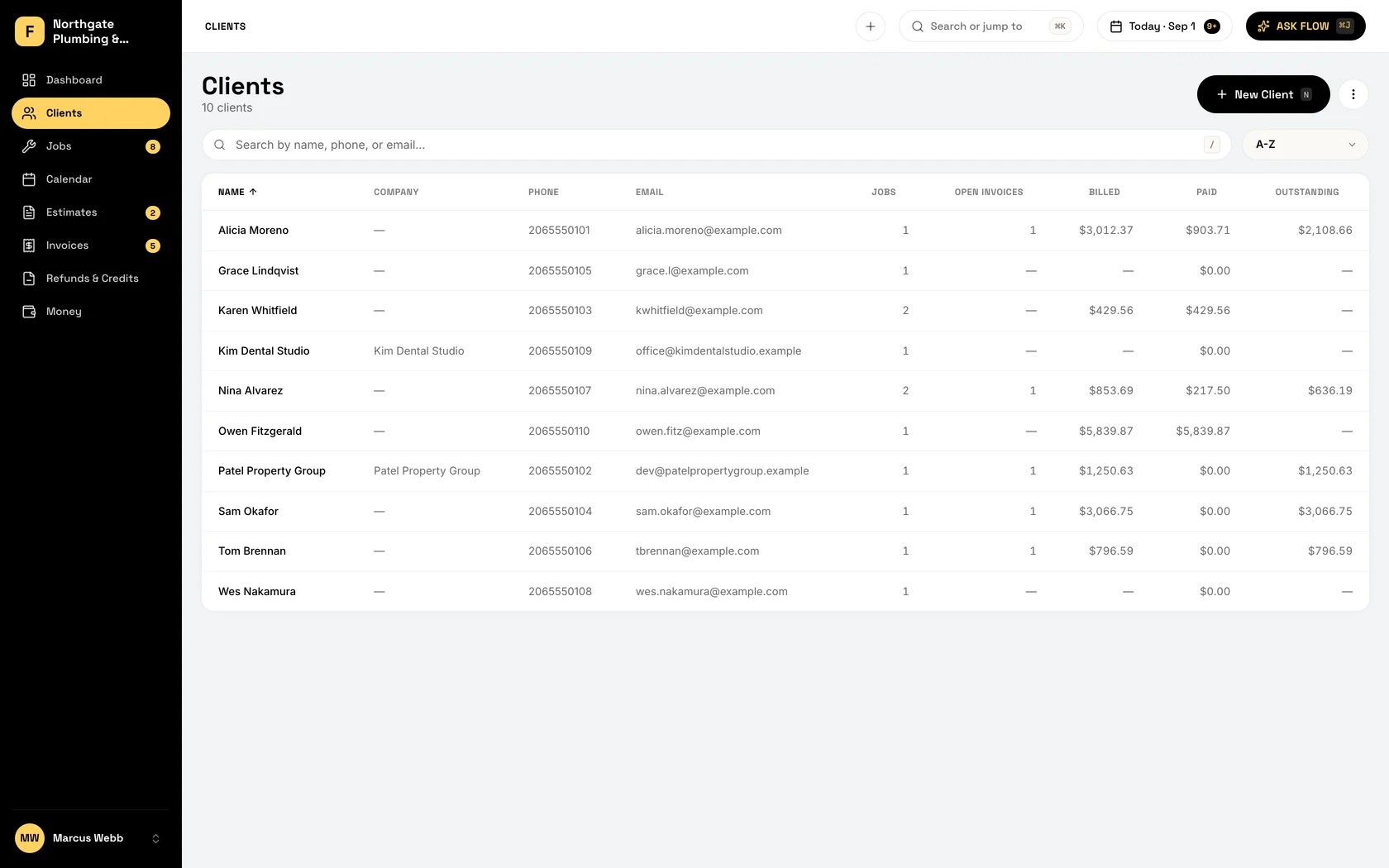
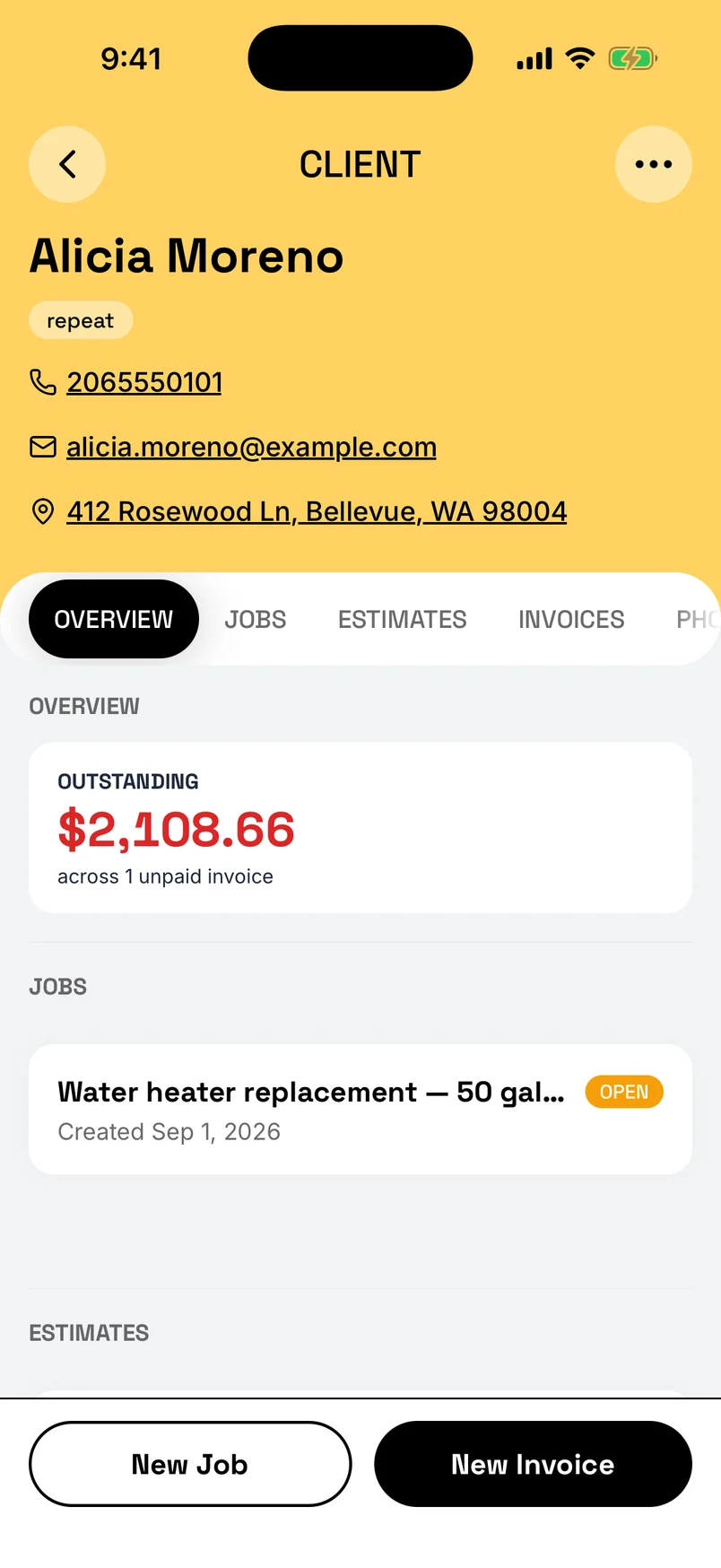
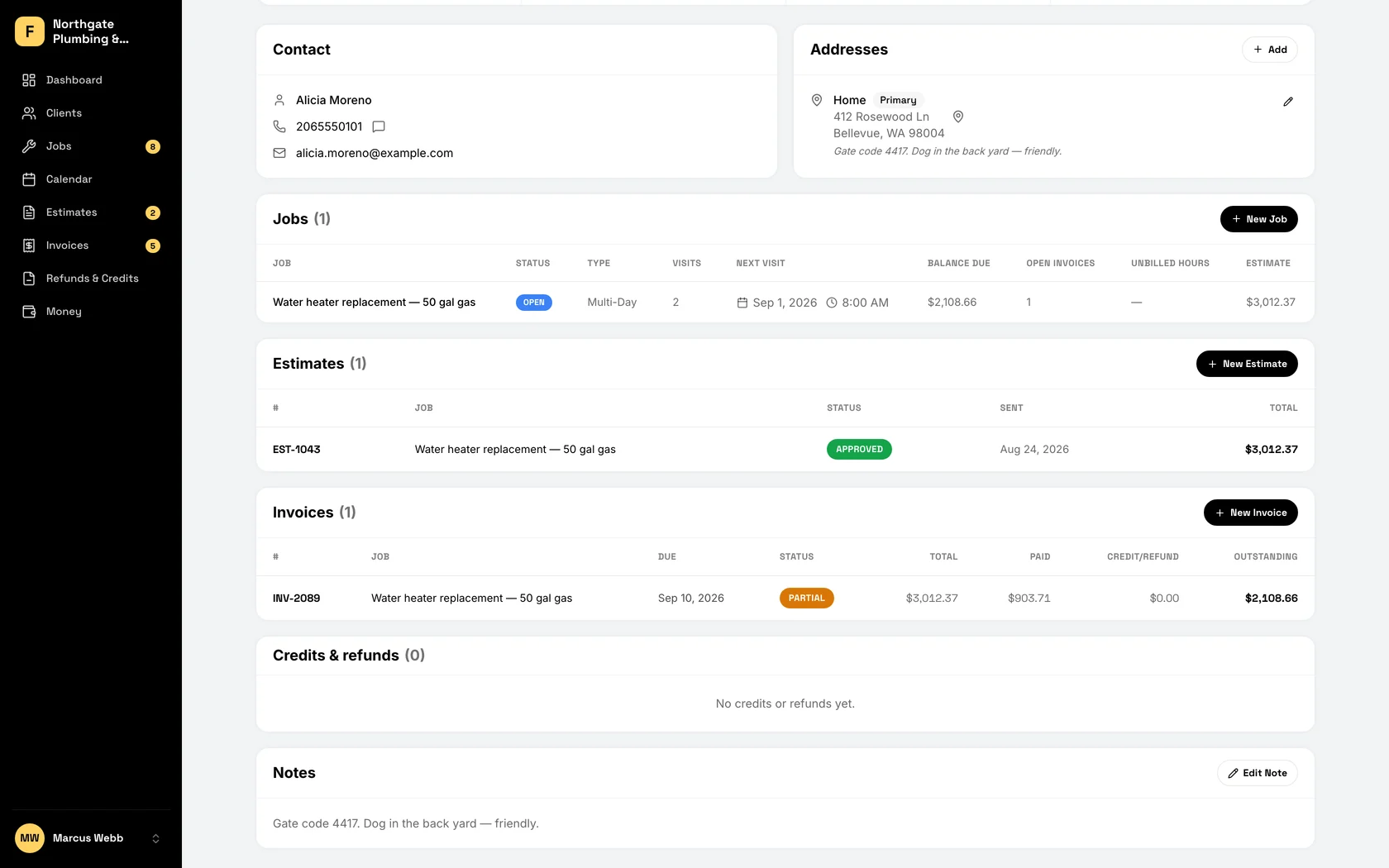
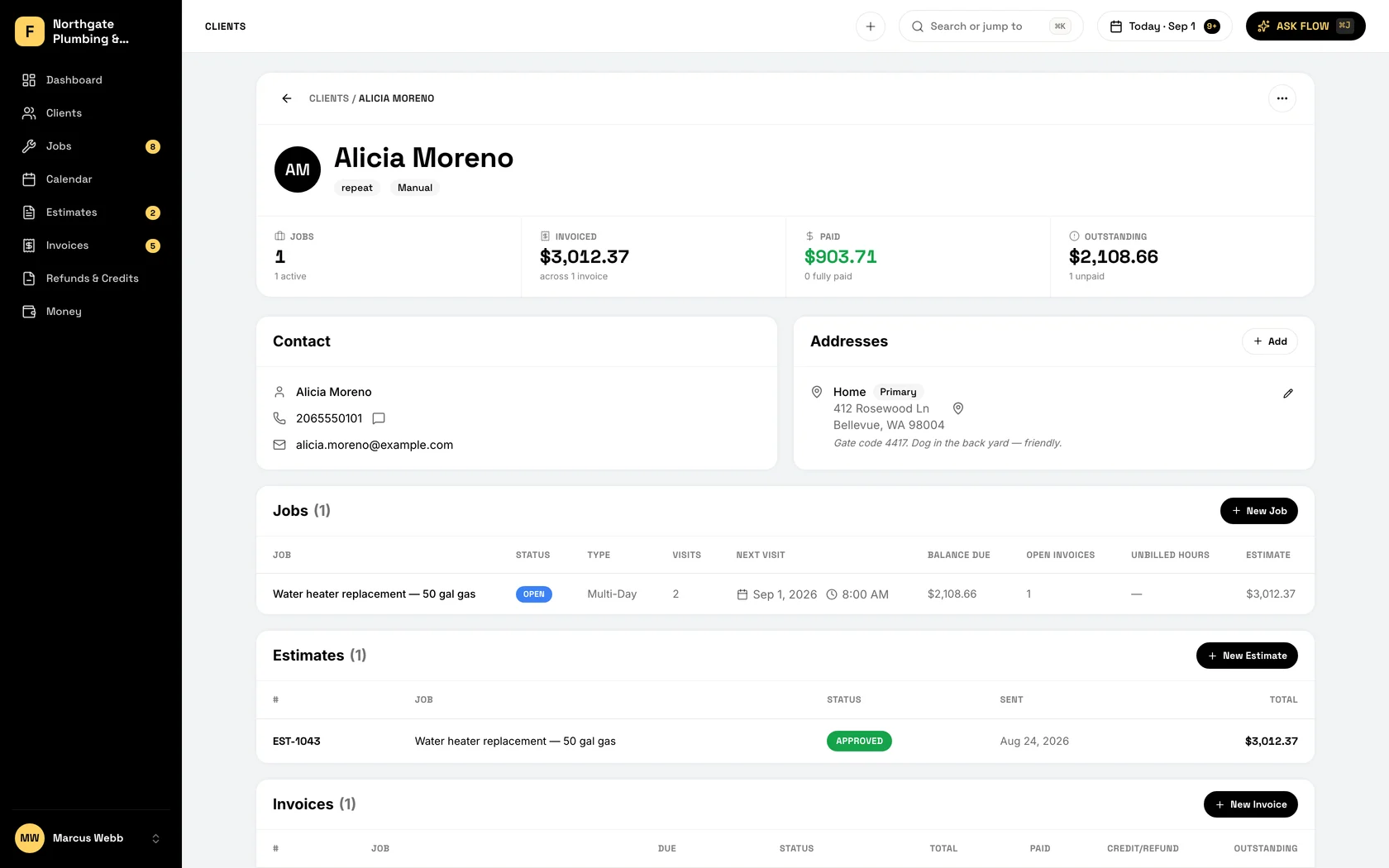
Every job, estimate, invoice, note, and photo on one profile, with the gate code and the shutoff location on the address. Open it on the porch and you know what you did there last March. Your crew gets the customer notes on their own phone.
-
The whole history
Open the customer and see every job, estimate, invoice, credit, and photo. "What did we do here last time?" is answered before they ask it.
-
Notes on the address
Gate code, where to park, where the shutoff is, the furnace model. Saved on the address, so you walk in already knowing.
-
Bring your list
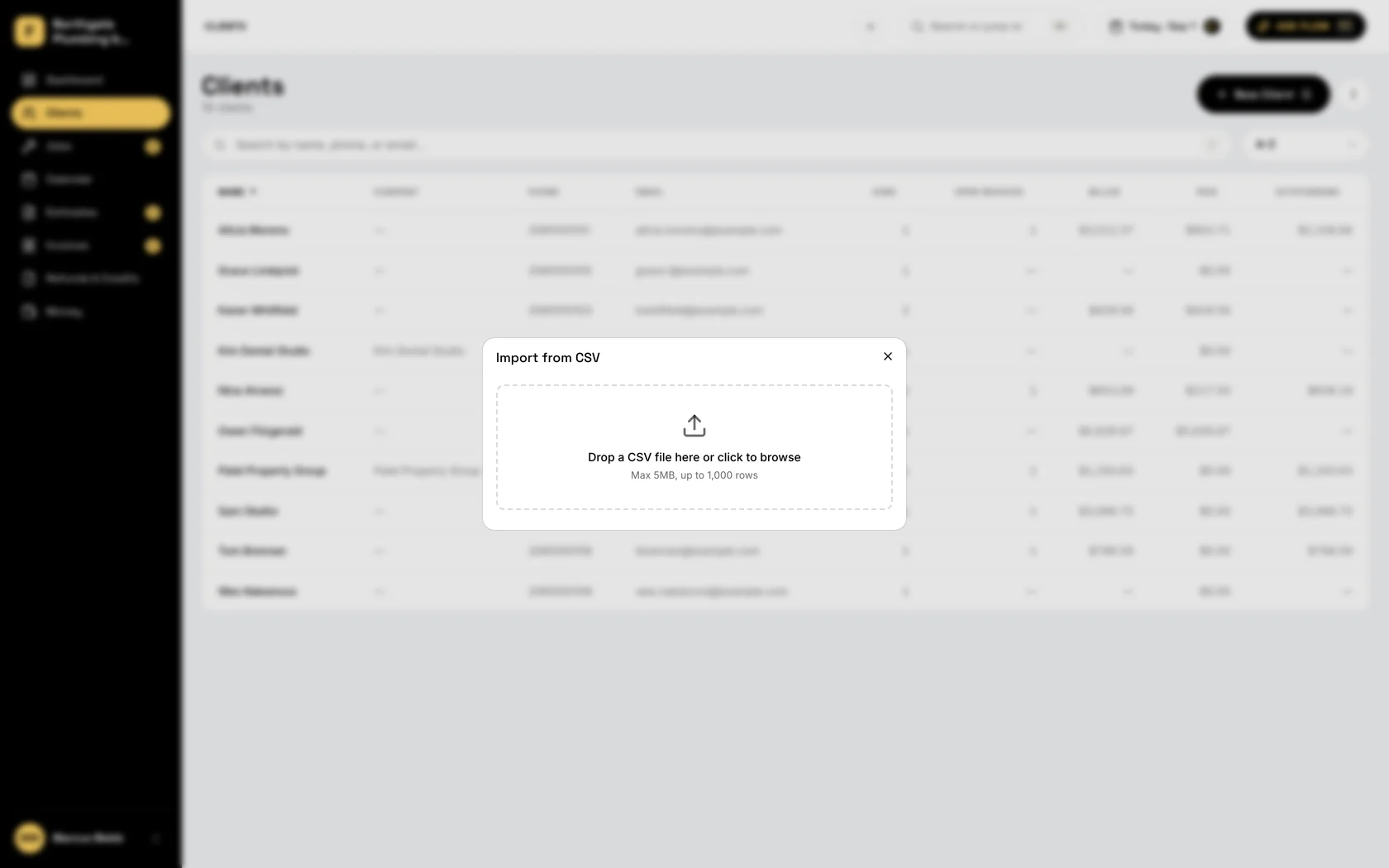
Upload a spreadsheet or pull straight from your phone contacts. FieldFlow flags the duplicates, and your customers are in.
-
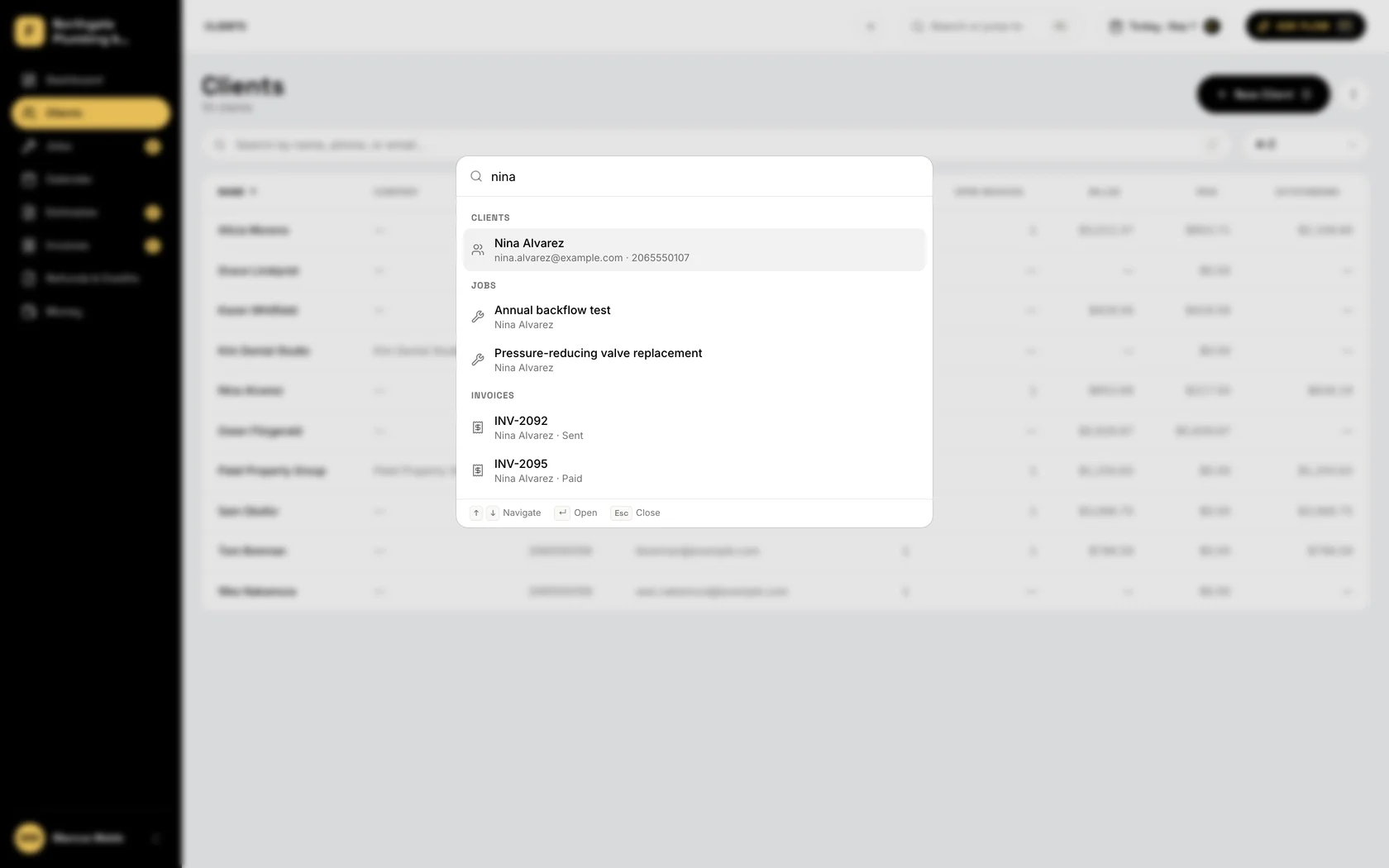
Find them in a second
Name, phone number, or email. Type three letters and the customer is up, with their last job on the screen.
-
Who owes what
Open jobs, unpaid invoices, and payments per customer at a glance. You know where you stand with every account before you call.
-
Photos on the job
Before, after, the model plate, the crack you found. Attached to the job, filed under the customer, out of your camera roll.
-
Notes the whole crew can read
The dog’s name, the room they asked you to skip, the code for the side door. Written once, on every crew member’s phone.



The books keep themselves.
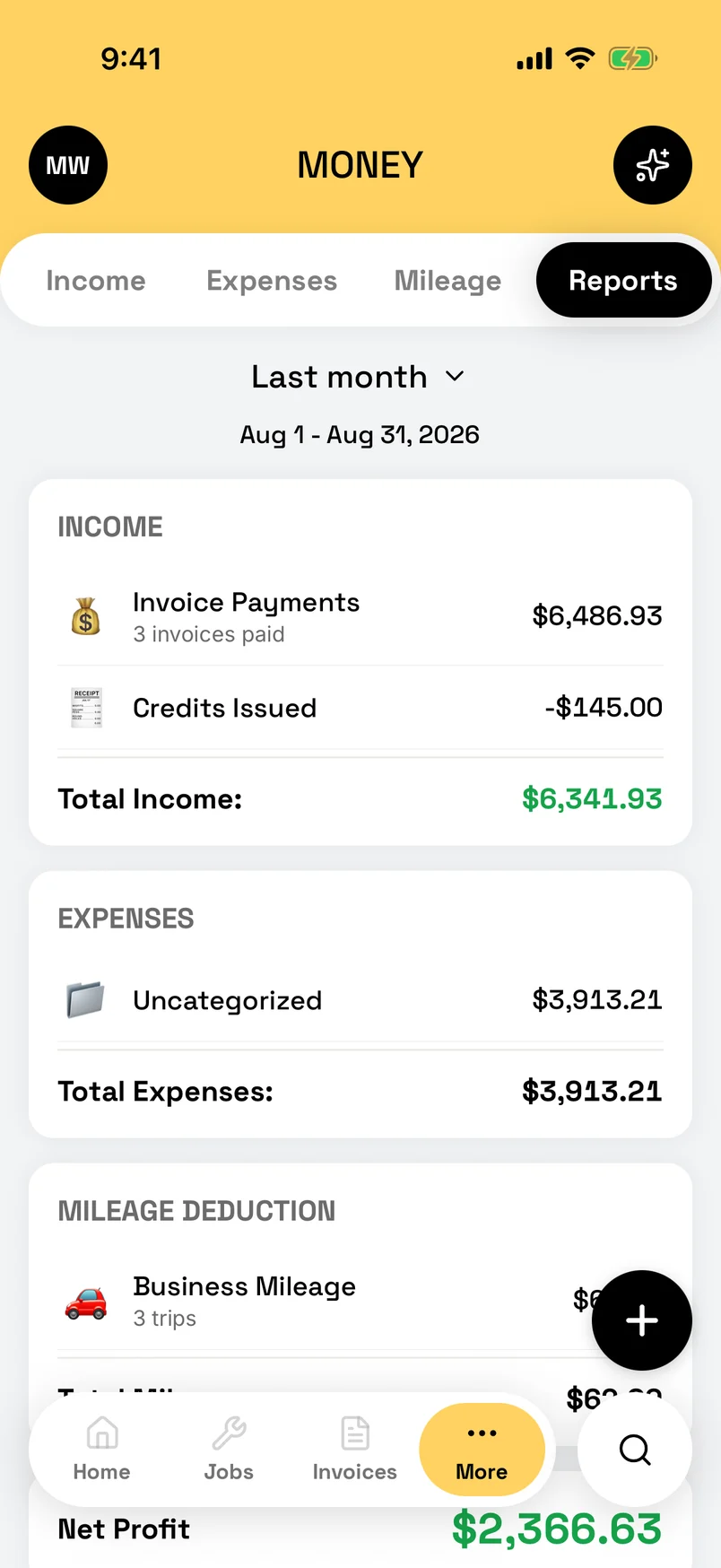
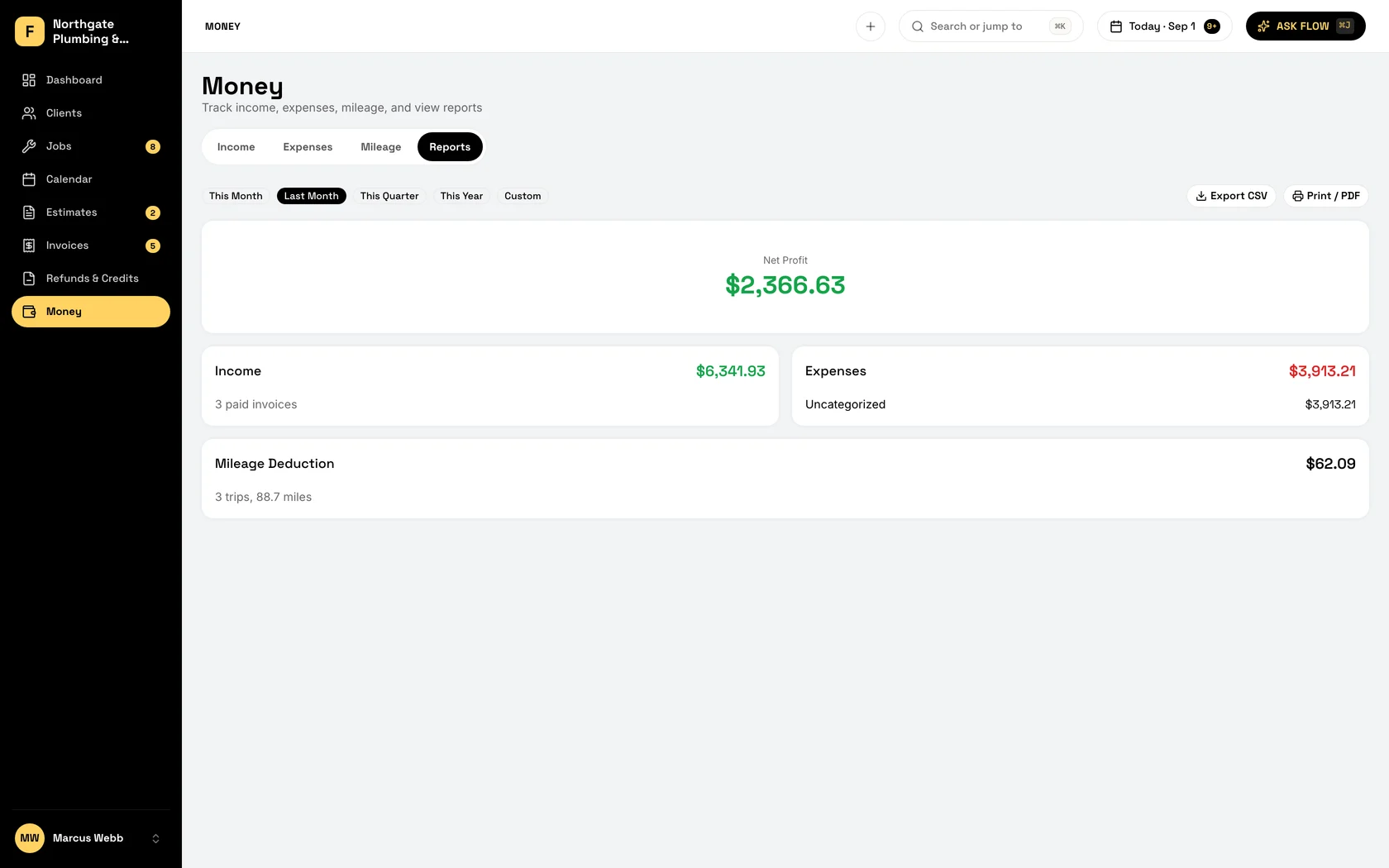
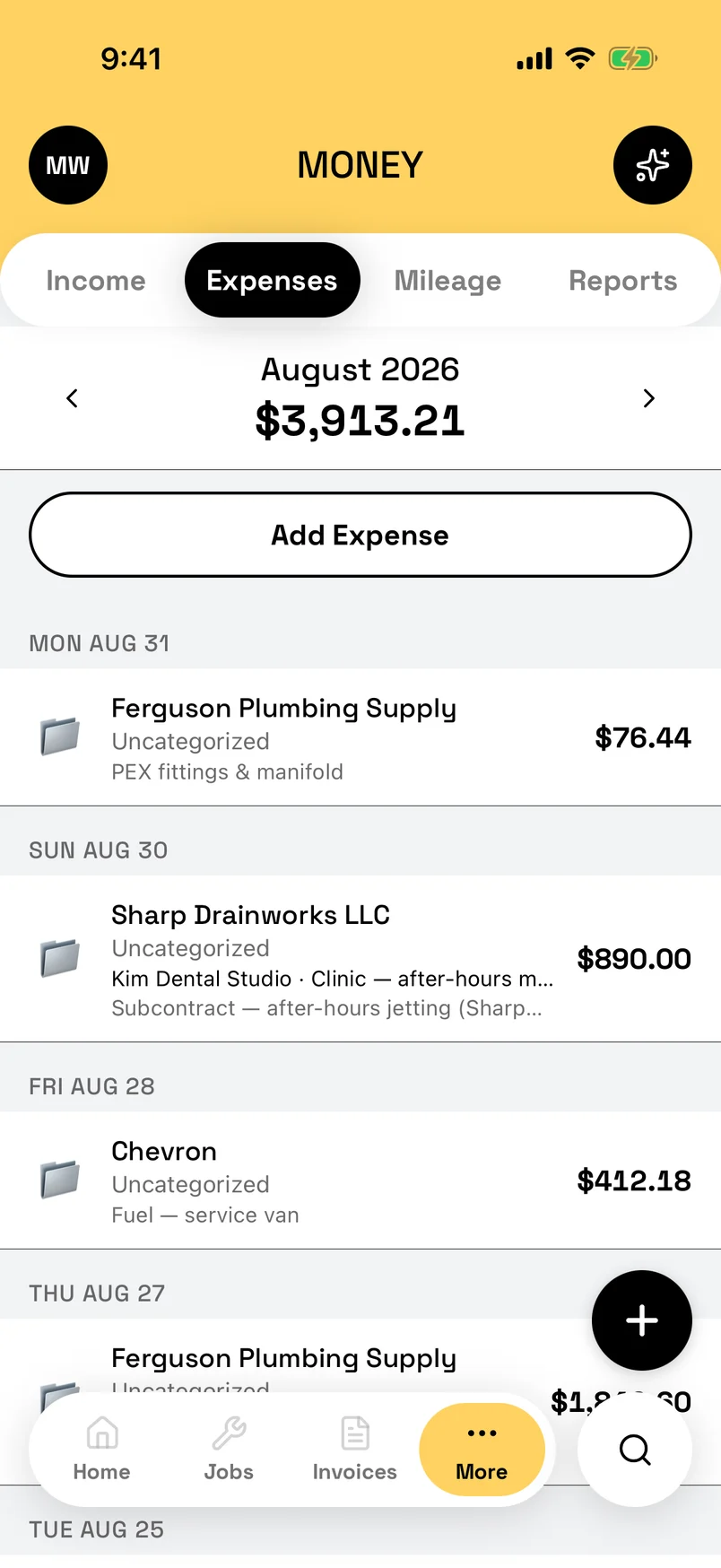
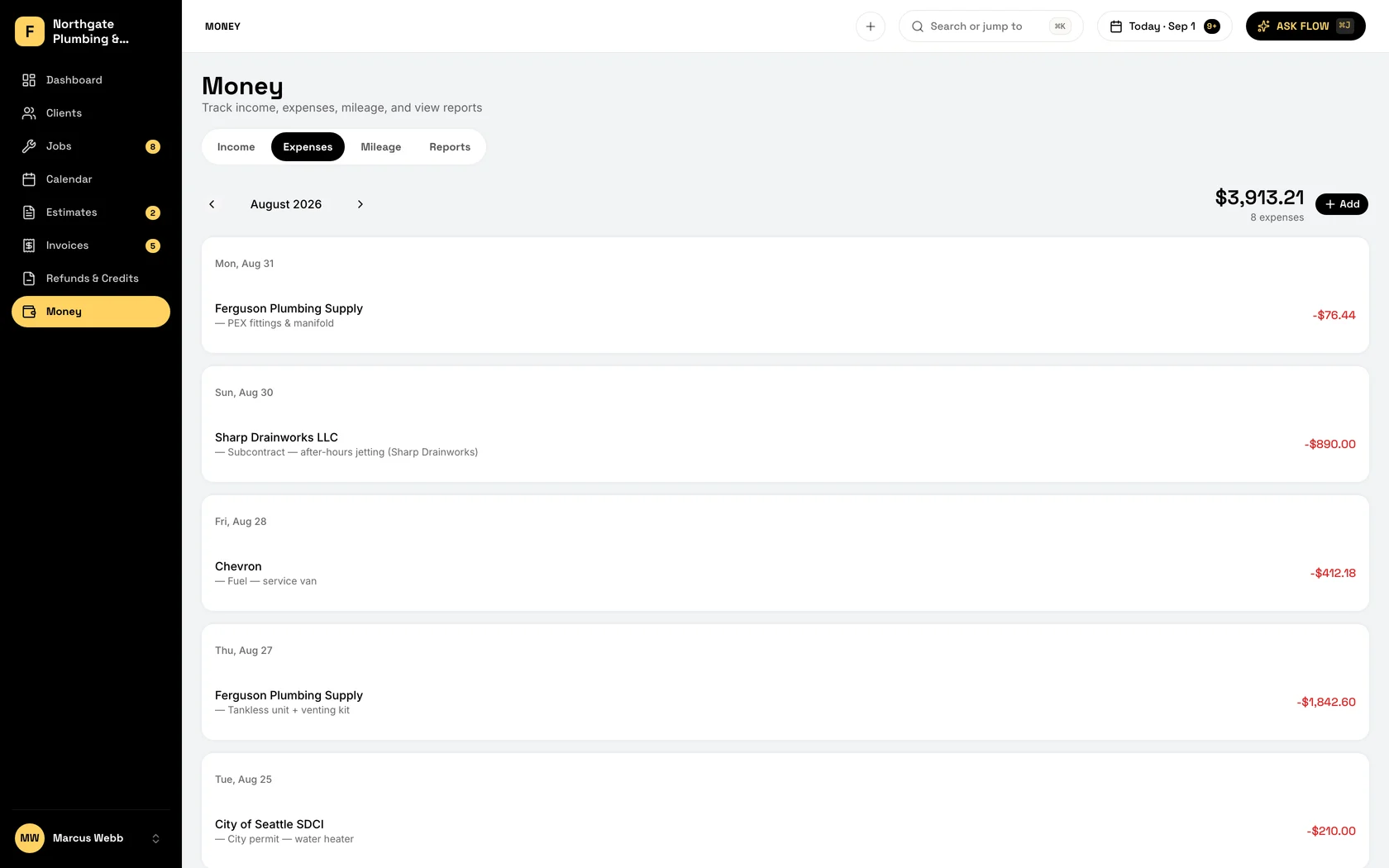
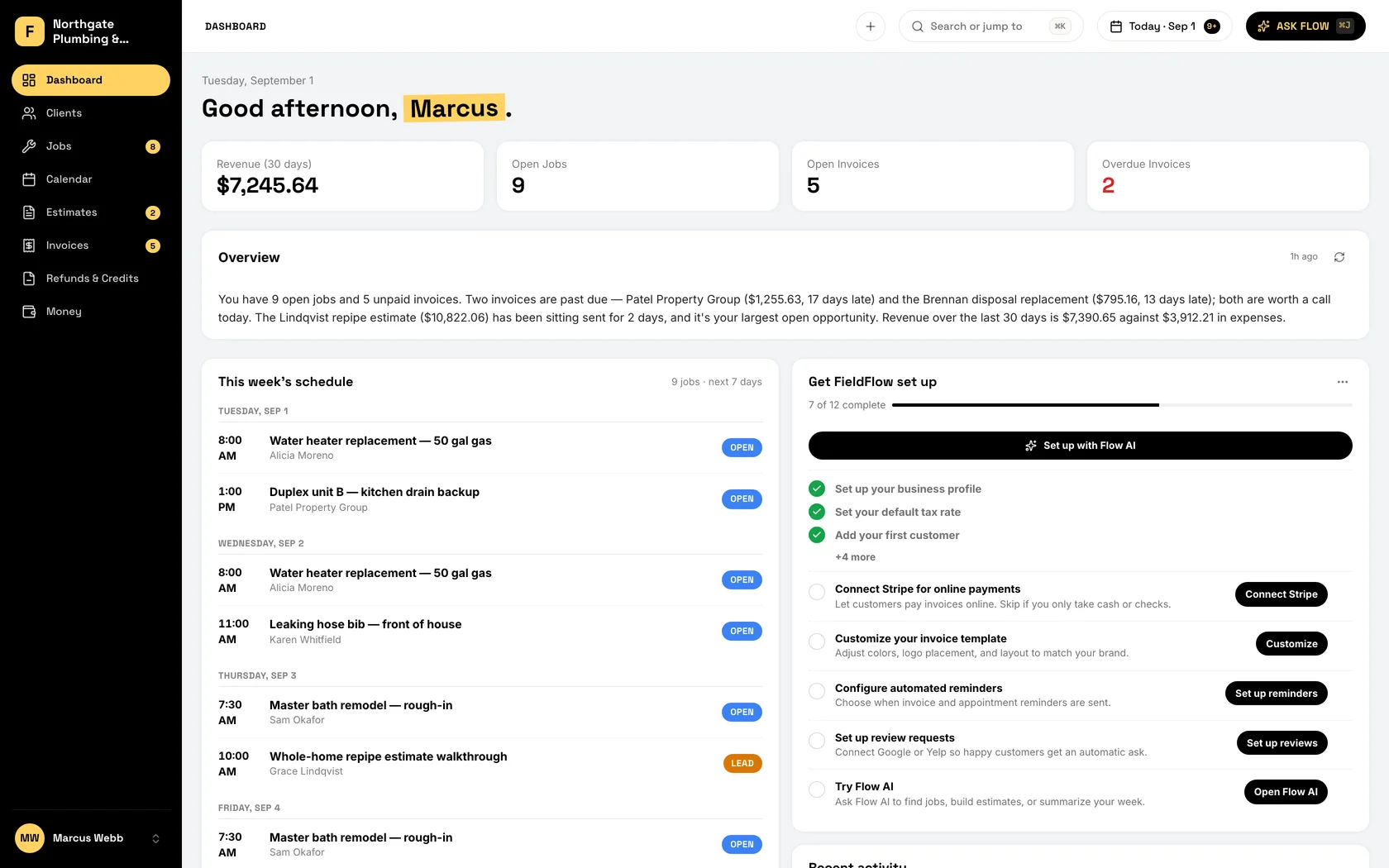
Snap the receipt, log the miles, and watch profit move as payments land. Every expense sits on its Schedule C line, so tax time is an export your accountant can read. Keep QuickBooks if your accountant wants it: invoices push to it from the web app.
-
Profit, today
Revenue, expenses, and what you cleared, updated as the money moves. You know how the month is going while you can still do something about it.
-
Expenses, sorted as you go
Log the fuel, the fittings, the sub, the new drill. Pick a category and it is filed. April finds nothing to sort.
-
Money at a glance
This month’s revenue, the open invoices, the overdue ones, on the dashboard. Income beside expenses in Money. You can see when to push and when to hold.
-
QuickBooks, if you keep it
Connect it and your customers come across in a couple of clicks. When the accountant needs an invoice and its payments in QuickBooks, push it from the web app in one click. Nothing moves unless you say so.
-
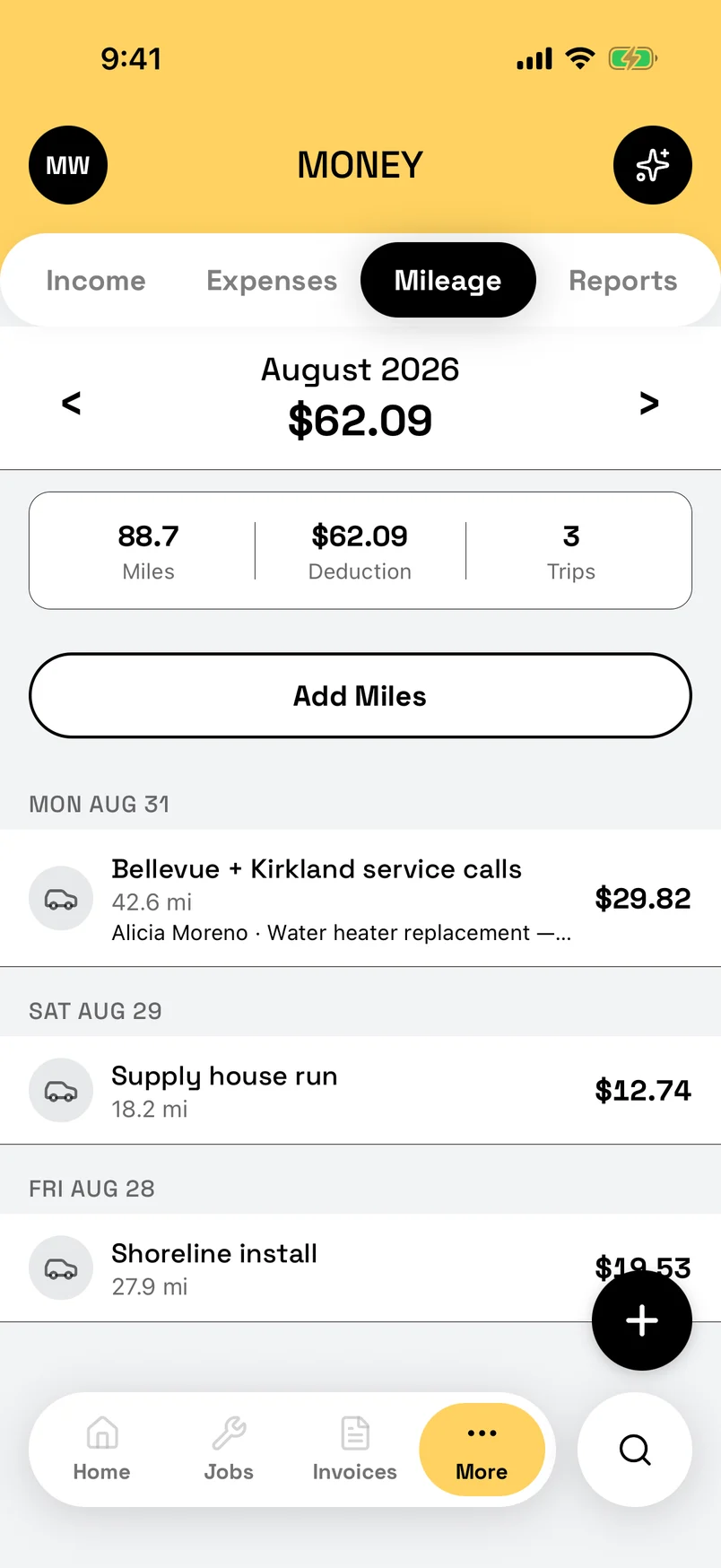
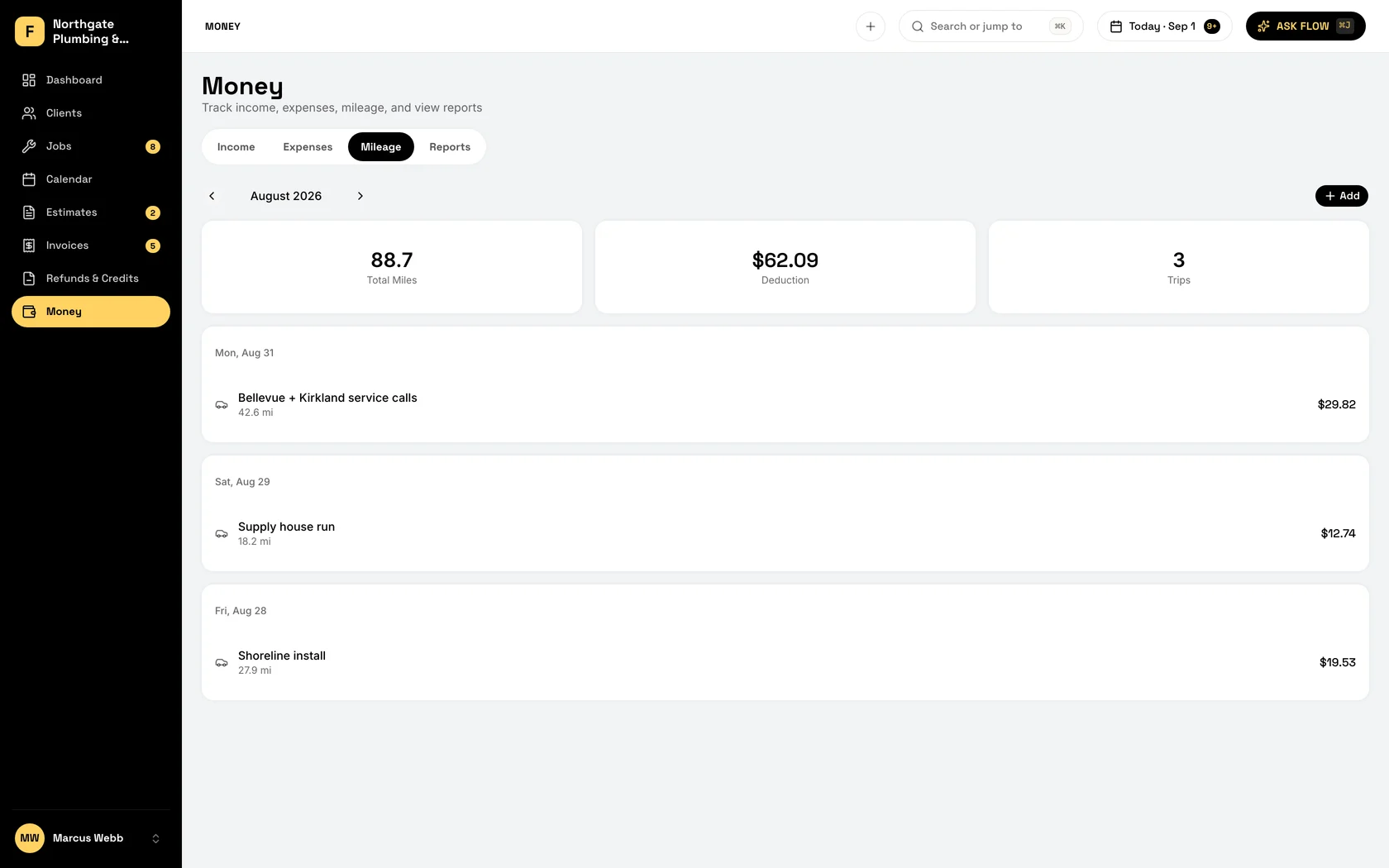
Miles, per trip or per job
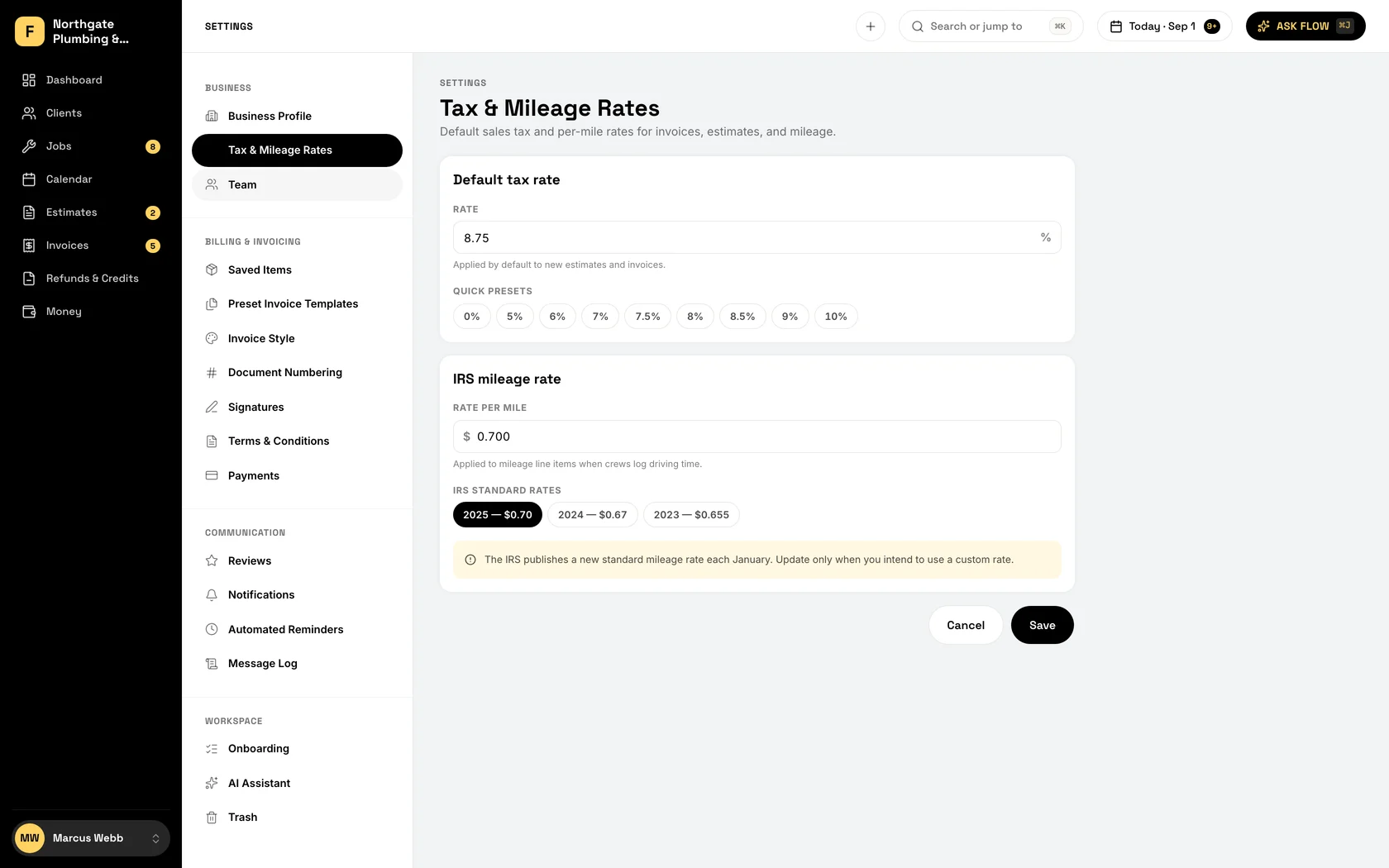
Log the drive and the deduction calculates at your per-mile rate. By December it is a number, not a guess.
-
Receipts from the parking lot
Photograph it at the supply house and attach it to the expense. The paper can go in the bin.
-
Your records, yours to keep
Download all your data any time: spreadsheets of every record, a PDF of every issued document, the signed copies, and your photos and receipts.
-
Tax time is an export
P&L as CSV or PDF, every expense mapped to its Schedule C line, mileage deduction included. Your accountant gets a clean file, not a shoebox.
Every tech knows where to be, without the 6 AM call.
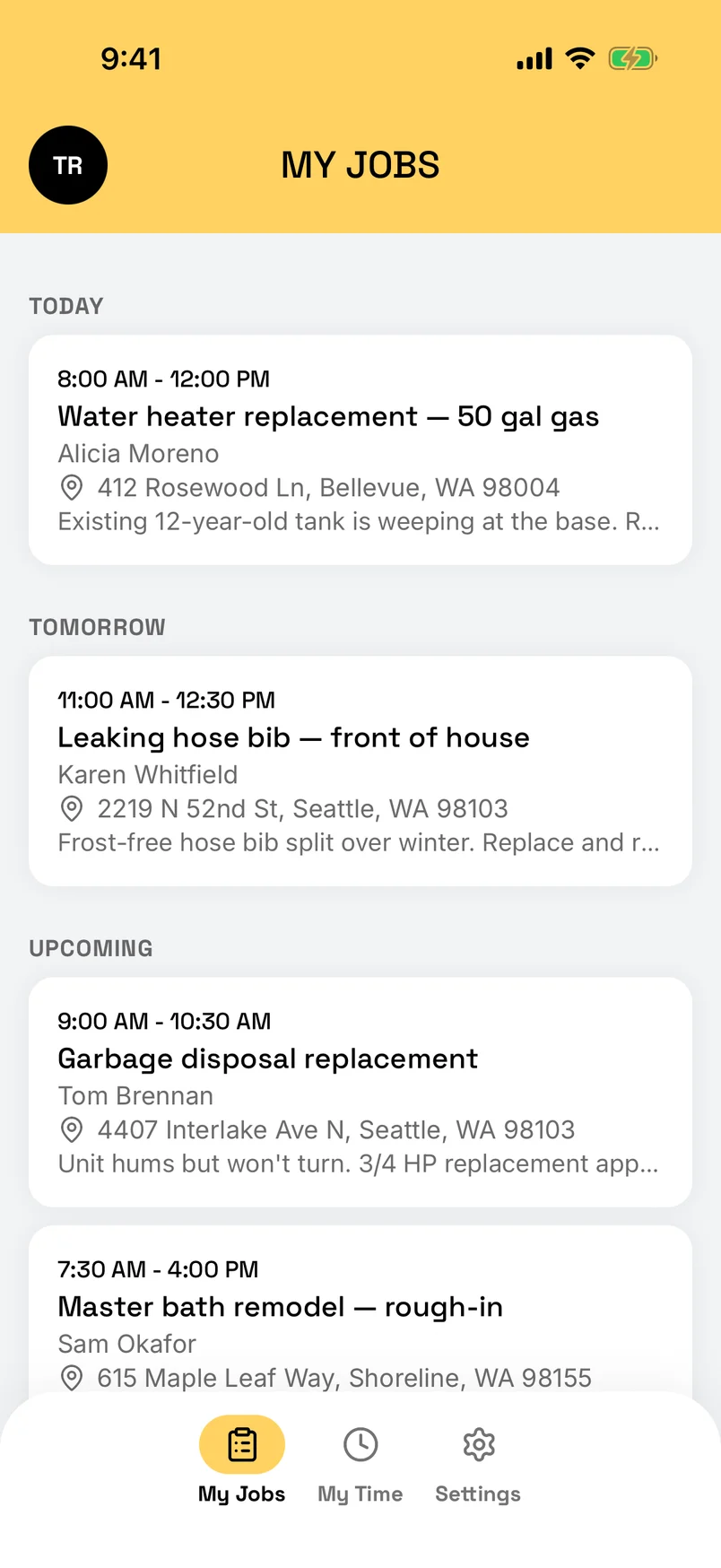
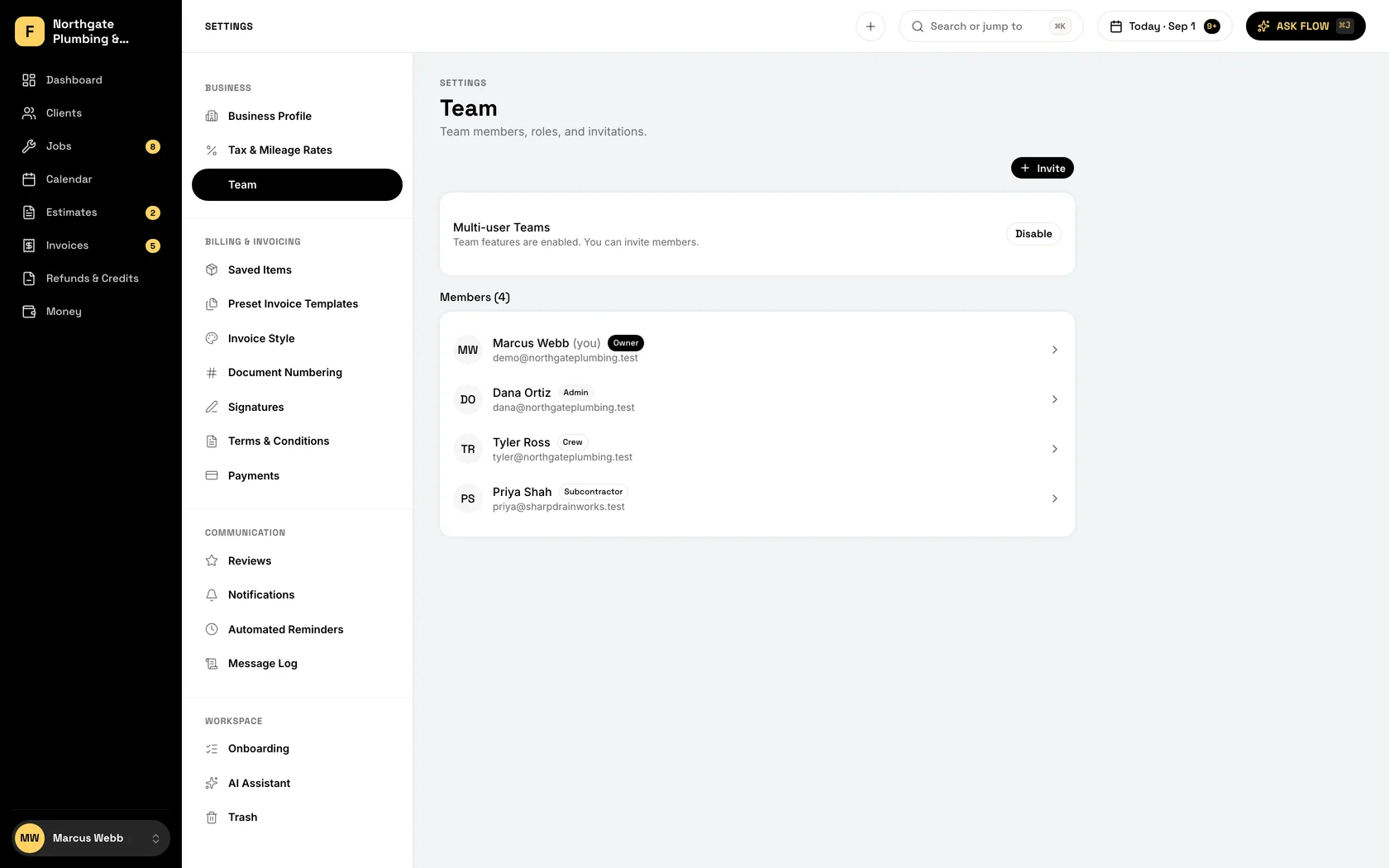
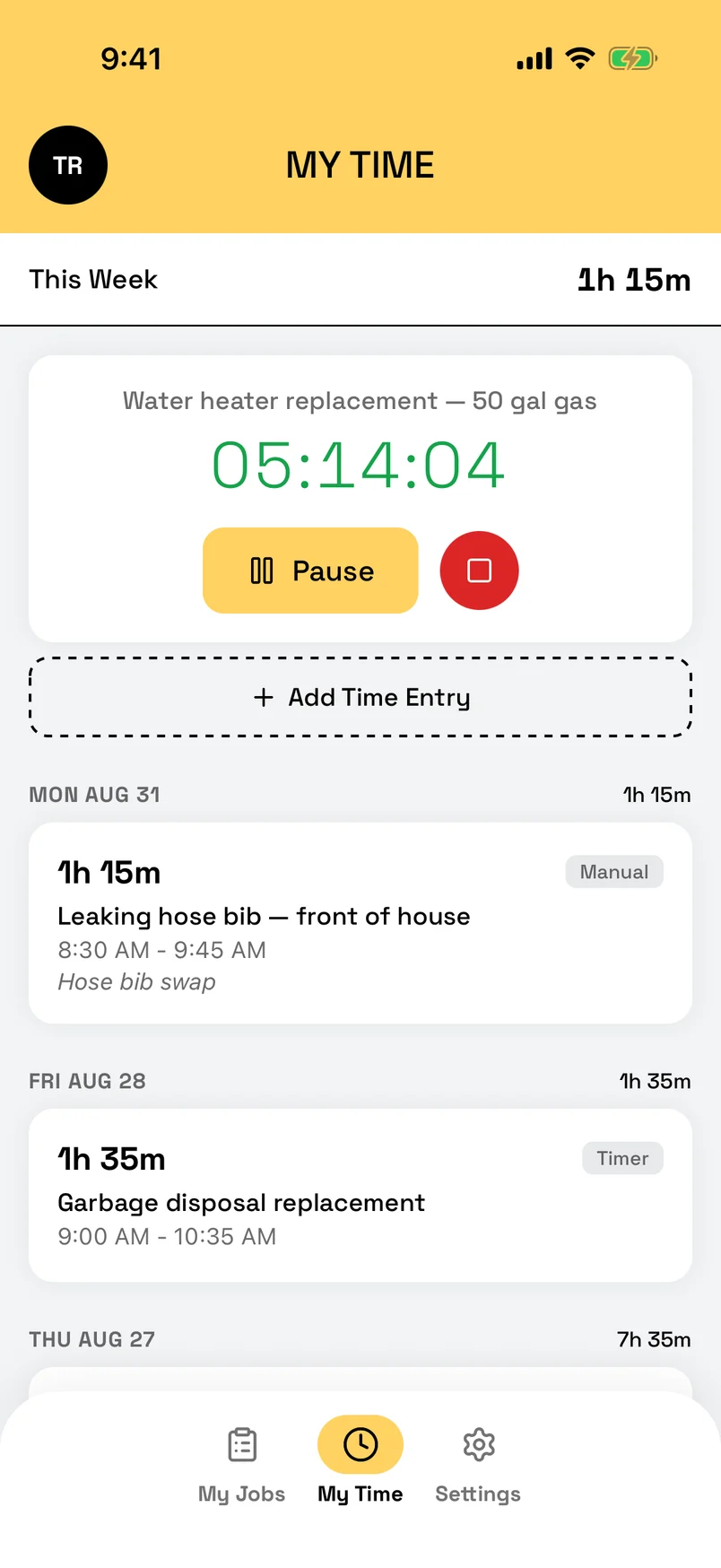
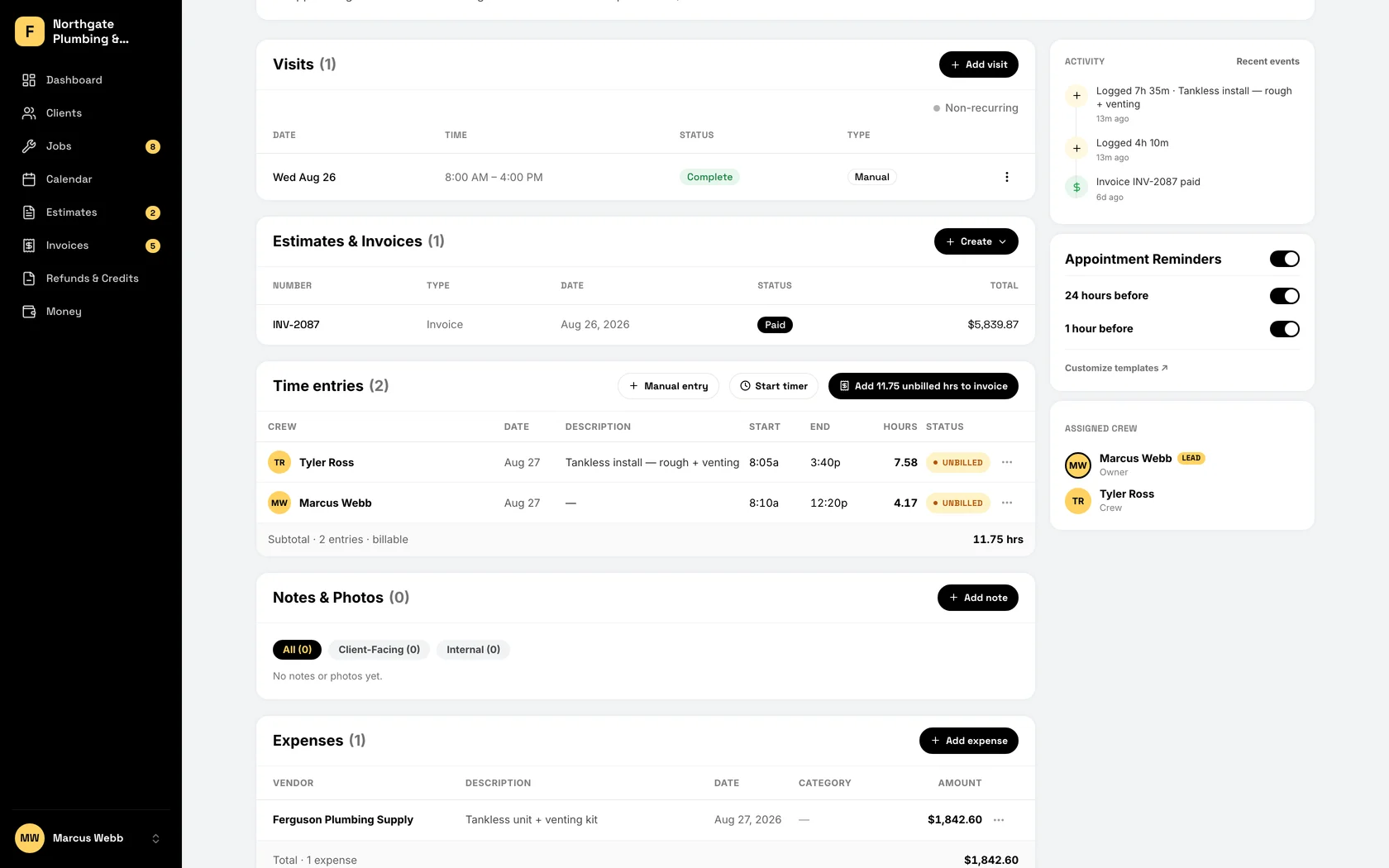
Add the whole crew for the same $19. Assign jobs in a tap, track hours from the job site, and give each person their own view of the day: their jobs, their hours, none of your pricing.
-
They see their jobs, not your margins
Crew see their own jobs, addresses, and notes. Your pricing, your revenue, and everyone else’s schedule stay yours.
-
Hours from the job site
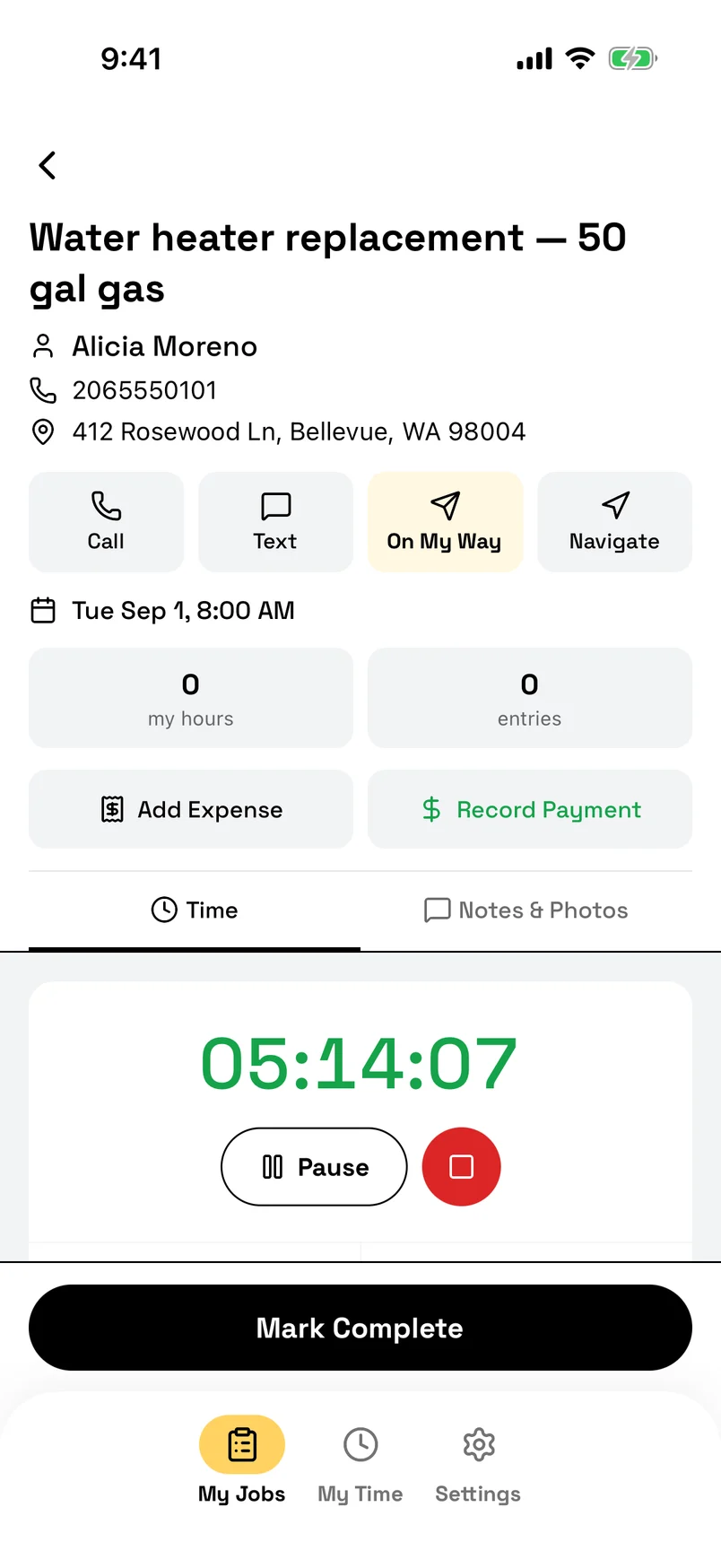
Tap Start on arrival, Stop when done, or type the hours in. Every entry is per person, per job, and Invoice Hours puts the unbilled time on the invoice in one tap.
-
Assign in one tap
Give the job to Diego and it is on his list with the address, the notes, and the customer’s number. Subs get an email with the same.
-
Know who is on what
Open the job and see whose timer is running and who marked it done. The check-in call becomes a glance.
-
Reassign on the fly
Tech finished early? Hand them the next call with one tap. It is on their phone before you have hung up with the customer.
-
Everyone gets their own day
Each person opens the app to their own schedule: where, when, and what the customer said. The morning meeting is the drive to the first stop.
-
Techs who can sell
Let a tech you trust quote, invoice, and collect on their own jobs from the crew app. The customer signs on the tech's phone, pays cash, check, or card by QR code, and you get told who collected.
-
A different crew on any visit
Each visit keeps its own crew. Send someone else on one visit of a repeating job, and the rest of the series keeps the usual crew.
-
Nobody is a seat
Two people or fifteen, the price is $19. Hire the helper. Add the sub for the week. The bill does not know the difference.
Less typing. More fixing.
Flow is the assistant built into FieldFlow. Ask it who owes you money, tell it to book the job or draft the invoice, and it does it in the app, then shows you a card you can check. Included at $19, not sold as a tier.
-
Ask it anything about your business
Who owes me money? What is on Thursday? What did I spend on materials last month? Flow reads your own jobs, invoices, and expenses and answers in plain English.
-
It does the work
Tell Flow to book the job, draft the invoice, log the cash, or send the invoice. It makes the change in the app and hands you a card to check. Anything hard to undo, like sending or voiding, waits for your yes.
-
Your day, written before you are up
Every morning the dashboard opens with a short brief: what is scheduled, what is overdue, which estimates need a nudge. Written from your numbers, not a template. Flow is for owners and admins; your crew never sees it.
-
Talk to it from the truck
Tap the mic and talk. Log the $47 in fittings, add a note to the job, ask for the gate code at the next stop, without typing a word.
-
Reports without the spreadsheet
Ask how the week went, what your close rate is, or which customers bring in the most. Flow runs the numbers on the spot.
-
It knows what you are looking at
Open a job and ask about it. Open a customer and ask for their history. Flow knows the screen you are on, so you never have to explain.
Everything included
All 51 of them, on one app, for one price.
- Price
- $19/month
- Users
- Unlimited
- Free trial
- 90days
No credit card required

All of it, free for 90 days.
$19/month for the whole crew. Every feature included. No contracts, no card to start.
Paying Jobber per user? See the math