Ask us on the help form and we’ll reply by email.
Download all your data
Owners and admins can download everything in the business as one zip file of spreadsheets, document PDFs, signed copies and photos. See what's in it and how long the download is kept.
Applies to: Owners, Admins, on the web and the phone app. Last checked 2026-10-17.
You can download a copy of everything in your business at any time. It’s useful for your own records, for taxes, or before you close the account.
Owners and admins can start a download. It works on a paused or read-only account too.
What’s in the zip
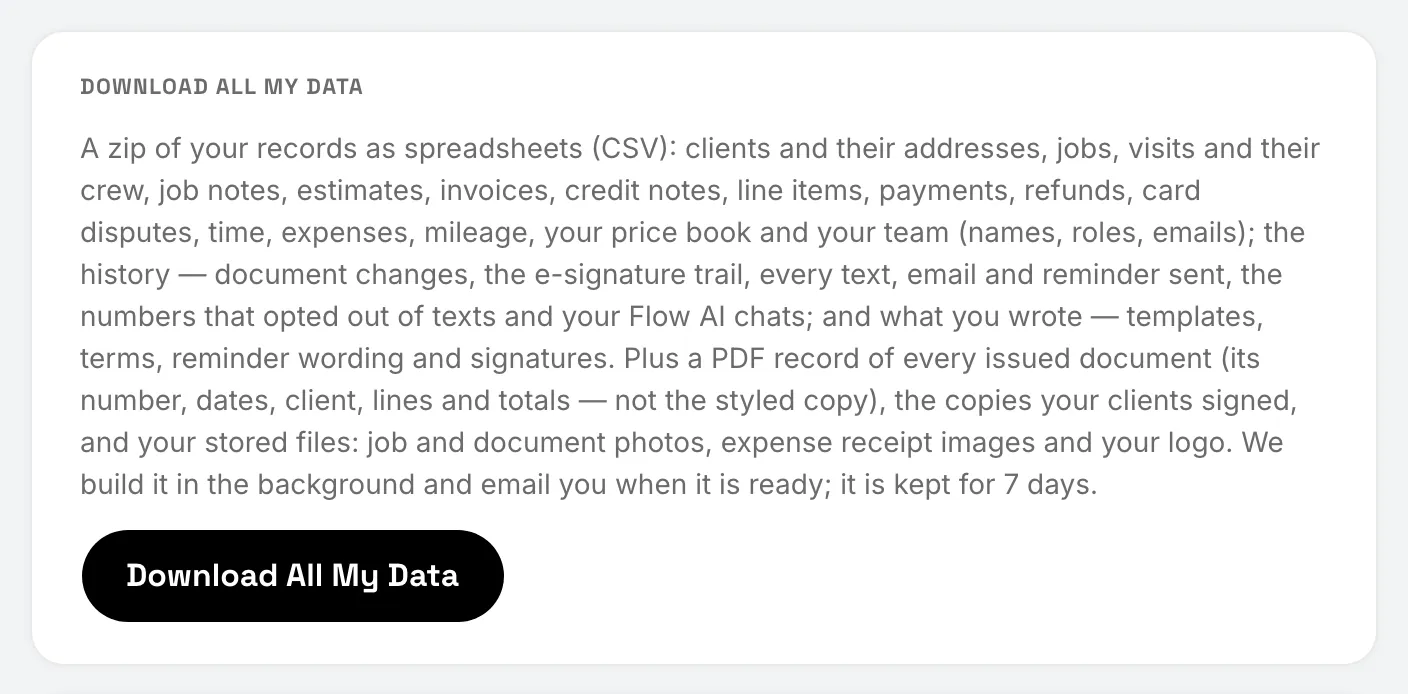
- Spreadsheets (CSV files) of your clients and their addresses, jobs, visits and who was on them, job notes, estimates, invoices, credit notes, line items, payments, refunds, card disputes, time, expenses, mileage, your price book and your team (names, roles and emails).
- The history: document changes, the e-signature trail, every email, text and reminder sent, and your Flow AI chats.
- What you wrote: templates, terms, reminder wording and signatures.
- A PDF record of every issued document, with its number, dates, client, lines and totals. It’s a plain record, not the styled copy your client saw.
- The copies your clients signed.
- Your files: job and document photos, expense receipt images and your logo.
On the web: start a download
Open Settings, then Account, and choose Download All My Data.
On the phone: start a download
Tap More, then Settings, then Account, and tap Download All My Data.
While it’s built
The download is built in the background, which can take a while for a big business. The card shows how far it has got. You can leave the page. FieldFlow emails you when it’s ready.
Get the file
When it’s ready, open Settings › Account (or the link in the email, then sign in) and choose Download Zip.
The zip is kept for 7 days, then deleted. Start a new download any time after that.
If you’re deleting the account
The owner can still download everything during the 30 days after asking to delete the account. Sign in, and on the screen that says the business is scheduled for deletion, choose Download All My Data. See Delete your account.
Still stuck? Contact us.