Ask us on the help form and we’ll reply by email.
Import your clients
Bring an existing client list into FieldFlow from a spreadsheet (CSV), your phone's contacts or QuickBooks, and see what comes across and how duplicates are handled.
Applies to: Owners, Admins, on the web and the phone app. Last checked 2026-10-17.
You can bring your clients over in one go instead of typing them in. Owners and admins can import. You can also import during setup, on the clients step.
What comes across
An import brings each client’s first and last name, company, email, phone numbers and notes. It does not bring addresses. Add those on the client afterwards (see Client addresses and notes).
A row without a usable name is skipped. FieldFlow tells you how many rows were skipped and why before you import.
On the web
- Open Clients.
- Open the menu next to New Client and choose Import from CSV or Import from QuickBooks.
From a file. Choose a CSV file from a spreadsheet, or a .vcf file of
contacts exported from your phone. A file can be up to 5MB, and only its first
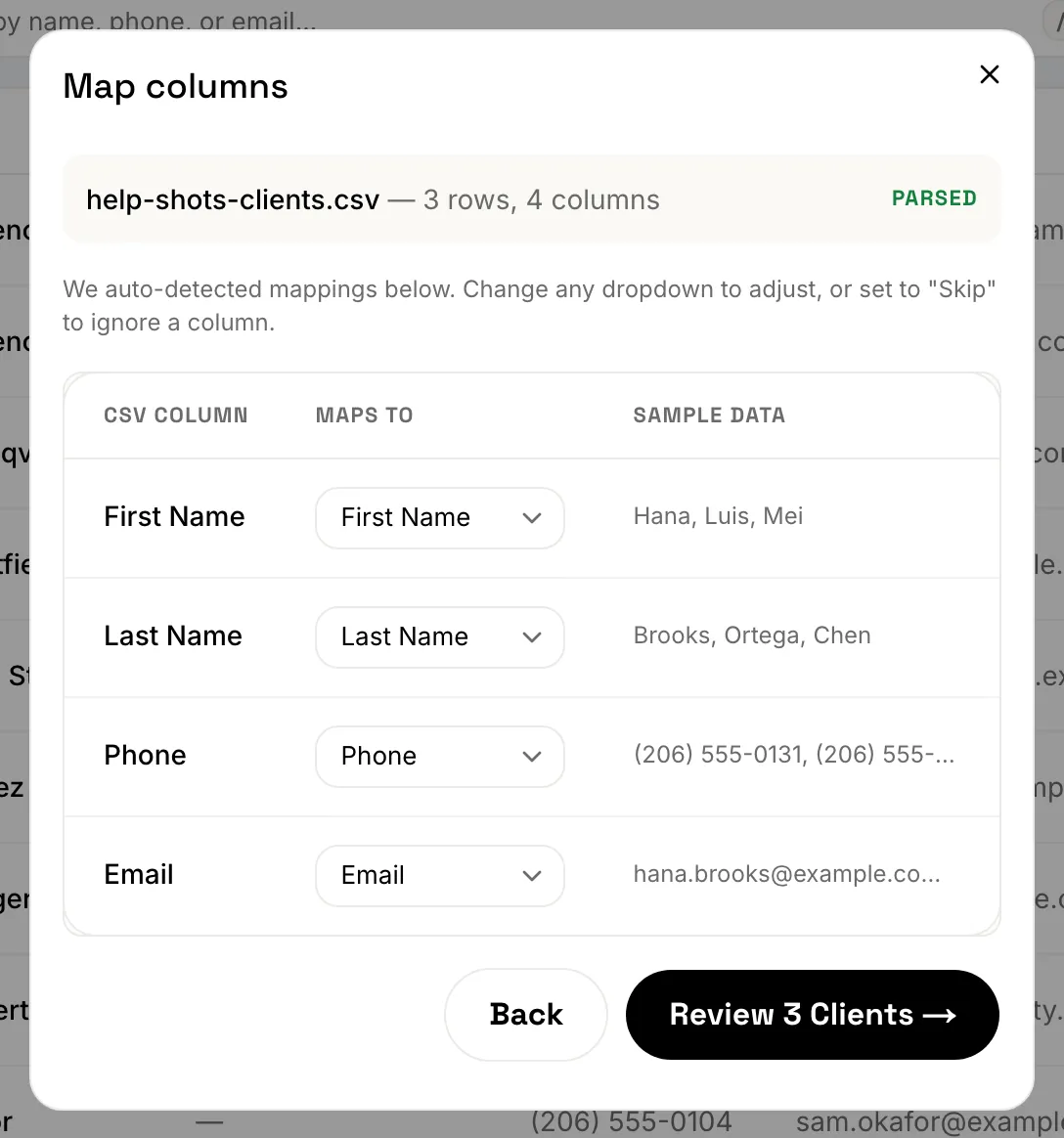
1,000 rows are imported. For a CSV, FieldFlow guesses which column is which.
Check each one under Maps to, or set a column to Skip. Then review the clients
and import them.
Not sure how to get a file? Choose “How do I get one?” in the import dialog.
On an iPhone, open Contacts, select all, then Share and send the .vcf to
yourself. On Android, open Contacts and choose Export, then vCard.
From QuickBooks. Connect to QuickBooks, then pick the customers to bring over. Nothing in QuickBooks changes.
On the phone
- Tap More, then Clients.
- Tap the menu button at the top and choose Import from phone contacts, Import from CSV or Import from QuickBooks.
- Pick the contacts, the file or the QuickBooks customers, then review and import.
The first time you import contacts, the phone asks to let FieldFlow see your contacts.
Duplicates and limits
From a file or your contacts, a client who matches one you already have, by phone number or email, isn’t added again. The summary at the end counts it as a duplicate.
From QuickBooks, a customer is matched only by its QuickBooks record: one you imported from QuickBooks before isn’t added twice. A QuickBooks customer is not matched by phone or email, so it can sit next to a client you added by hand or from a file. Merge the two if that happens (see Duplicate clients).
You can run up to 5 imports an hour.
Still stuck? Contact us.